Introducing OracleAI: Build a trading bot from your own rules
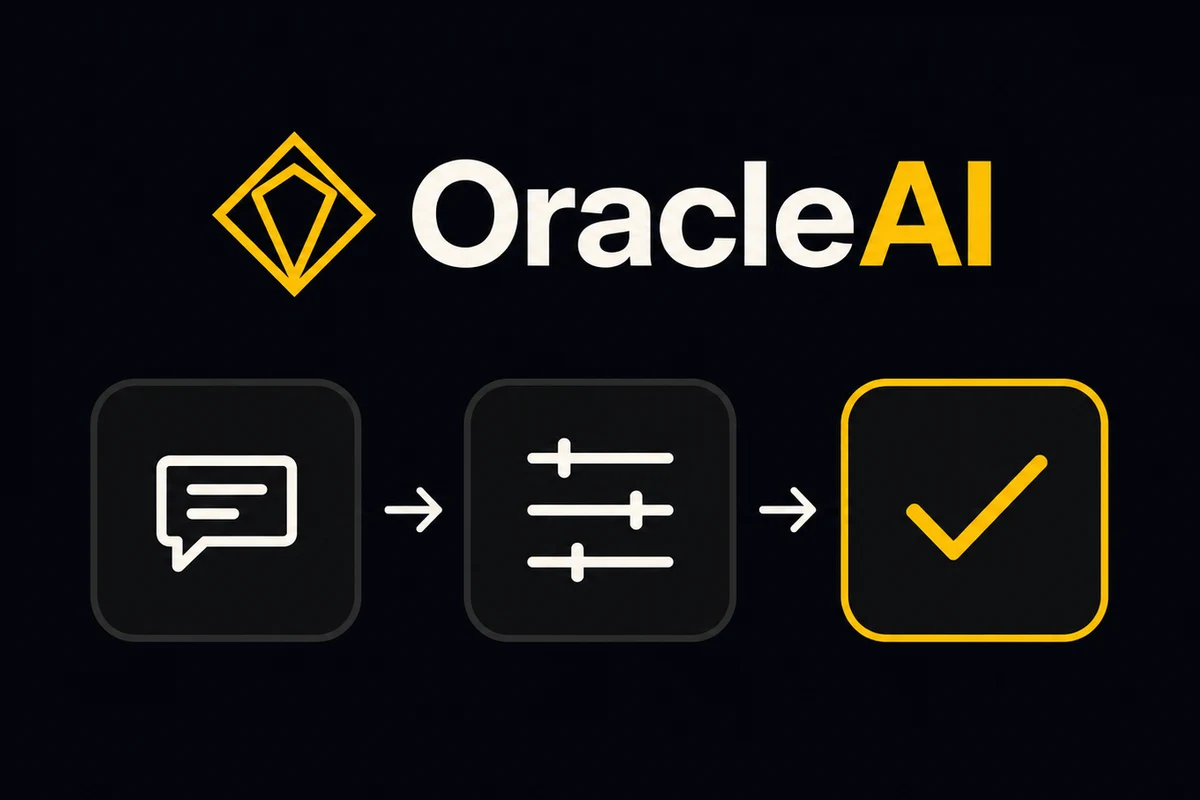
Say you want a bot to buy when a fast moving average crosses above a slower one, but only while the price is above a longer-term moving average. Then you want to cut the allocation in half and see how the revised rules would have behaved in a backtest. In OracleAI, you can describe the strategy and that follow-up in plain English.
OracleAI is a standalone crypto trading bot that runs locally. Its AI Studio drafts a set of rules from your instructions so you can inspect the entry, exit, and position size before you approve them. The trading engine then runs the rules you approved independently of the AI builder.
Describe the trade you want the bot to make
Here’s an example you could give AI Studio for a BTC/USDT spot strategy:
Buy when the 20-period EMA crosses above the 50-period EMA and price is above the 200-period EMA. Exit when the 20-period EMA crosses back below the 50-period EMA. Use 10% of available capital per entry.
The review is where you check the details. A crossover and a price filter do different jobs. The crossover triggers the entry, and the price filter has to be true at the same time. Look for both conditions in the entry rules, then check the reverse crossover under the exit rules and the 10% allocation under position size.
Change one thing and review it again
Now ask AI Studio to change the allocation to 5% and keep the entry and exit conditions as they are. Check the revised size and reread the entry and exit before approving. That makes it easy to try a smaller position while keeping the same trading logic.
Moving-average signals are one starting point. You can also describe a spot grid in terms of its price range, number of intervals, and total allocation, or build rules for supported futures markets. The OracleAI product page shows how a follow-up changes the rules for a signal strategy and a spot grid.
See when the rules actually trigger
In a backtest, OracleAI replays historical candles and shows the simulated trades, returns, and drawdown. Start with the trades on the chart. Pick a crossover and compare it with the entry rule. Was the price above the 200-period EMA at that point? If a trade opened, where did the reverse crossover close it?
Paper trading runs the same approved rules on current exchange market data with simulated capital. The Terminal shows trade markers on the price chart, and its comparison view puts two strategies side by side. Live trading is a separate step you explicitly activate with a compatible exchange. Live trades can lose money, and simulation results offer no guarantee of future performance.
Run OracleAI on your own machine
OracleAI runs as a small executable on Windows, Linux, and macOS, with an interface you open in your browser. Bring your own API key from OpenAI, Anthropic (Claude), or Google (Gemini) for AI Studio. For automated execution, keep OracleAI running and connected.
OracleAI has a standalone lifetime license and is also included with Gunbot Unlimited, including the Unlimited plan for existing Gunbot lifetime license holders.