Key Balance Settings in Gunbot
Balance settings control how Gunbot sizes trades and manages your cryptocurrency assets.
Key Balance Settings in Gunbot
 For
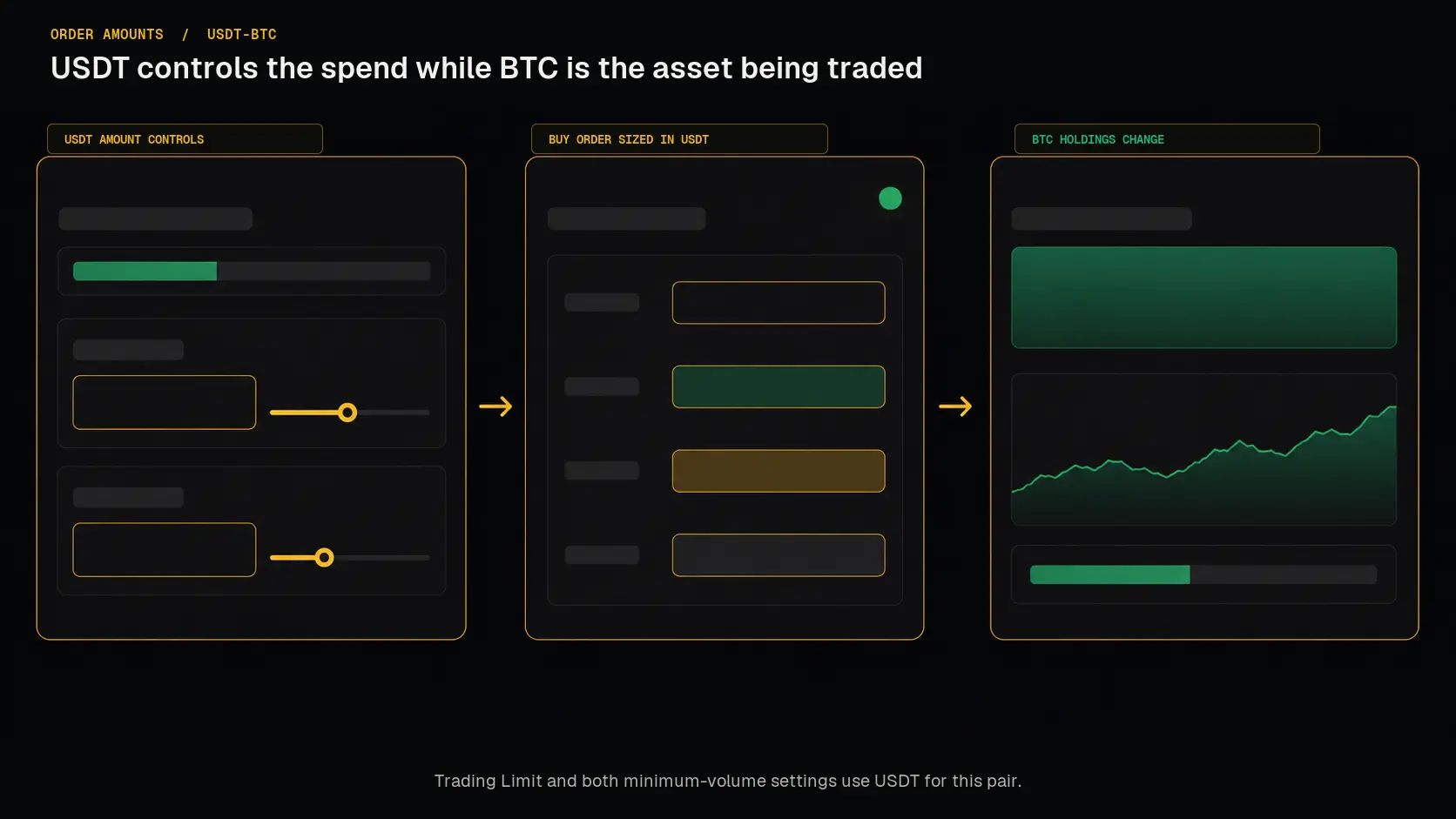
For USDT-BTC, Trading Limit and both minimum-volume settings are values in USDT; the market still buys and sells BTC.
Trading Limit: Your Spending Control
The Trading Limit setting dictates the amount Gunbot can use for a buy order. For example, on USDT-BTC, set the limit in USDT because that is the currency used to buy BTC. Set this carefully to avoid unintended trade amounts or a complete lack of trades. It is also wise to set this limit slightly above the exchange minimum trade size to account for rounding and fees.
Minimum Volume to Sell: Ensuring Tradable Amounts
Min volume to sell specifies the smallest position value Gunbot will consider for selling. For USDT-BTC, enter this value in USDT. Setting it correctly ensures Gunbot ignores BTC balances whose value is too low to sell and focuses on viable orders. An incorrect setting could lead Gunbot to attempt selling below the exchange minimum trade size, leading to failed transactions.
Minimum Volume to Buy: Setting the Purchase Threshold
Closely related to the previous setting, Min volume to buy determines the minimum value for Gunbot's buy orders. For USDT-BTC, enter this value in USDT. This should typically match the Min volume to sell setting. In certain scenarios, Gunbot may split a buy order into smaller parts; this setting ensures each part meets the minimum trading criteria. Setting this too low can result in unsuccessful trades.
Note: The Min volume to buy setting is essential when using limit orders.