Connect an exchange
Gunbot needs an exchange API connection before it can trade an exchange account.
The public API key is registered to your Gunbot Unlimited license. The secret and any exchange-specific credentials are configured on each Gunbot instance that uses that key.
Finish the exchange from first-time setup
If you entered your first public API key during the startup wizard, that key is already registered.
To complete the connection:
- Open Settings > License.
- Find the exchange entry created during startup.
- Enter the API secret and any other fields required by the exchange.
- Save the exchange connection.
Do not register the same public key again just because the secret is still missing.
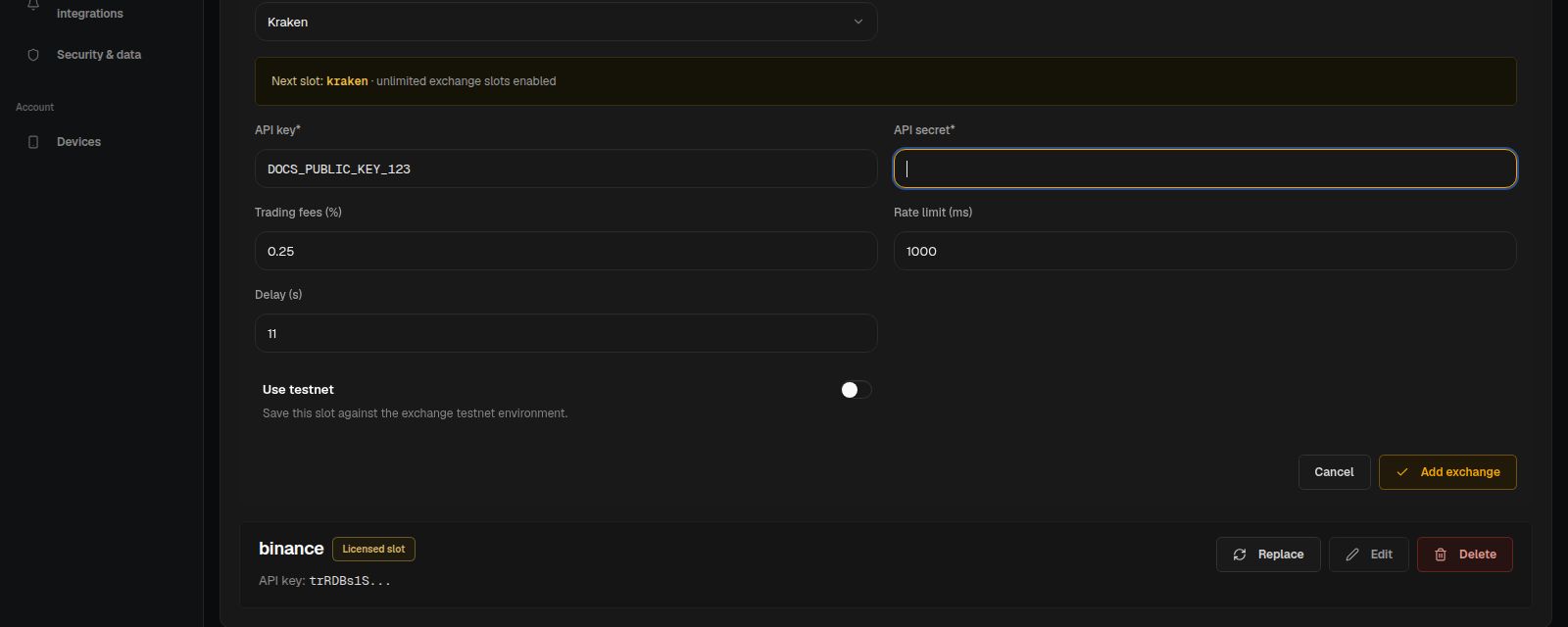
Add another exchange key
Gunbot Unlimited does not limit the number of API keys you can register. You can use several exchanges, several accounts on one exchange, or separate keys for different Gunbot instances.
To add a key:
- Open Settings > License.
- Choose Add exchange.
- Select the exchange.
- Enter the public API key and register it.
- Enter the secret and any additional exchange credentials.
- Save the connection.
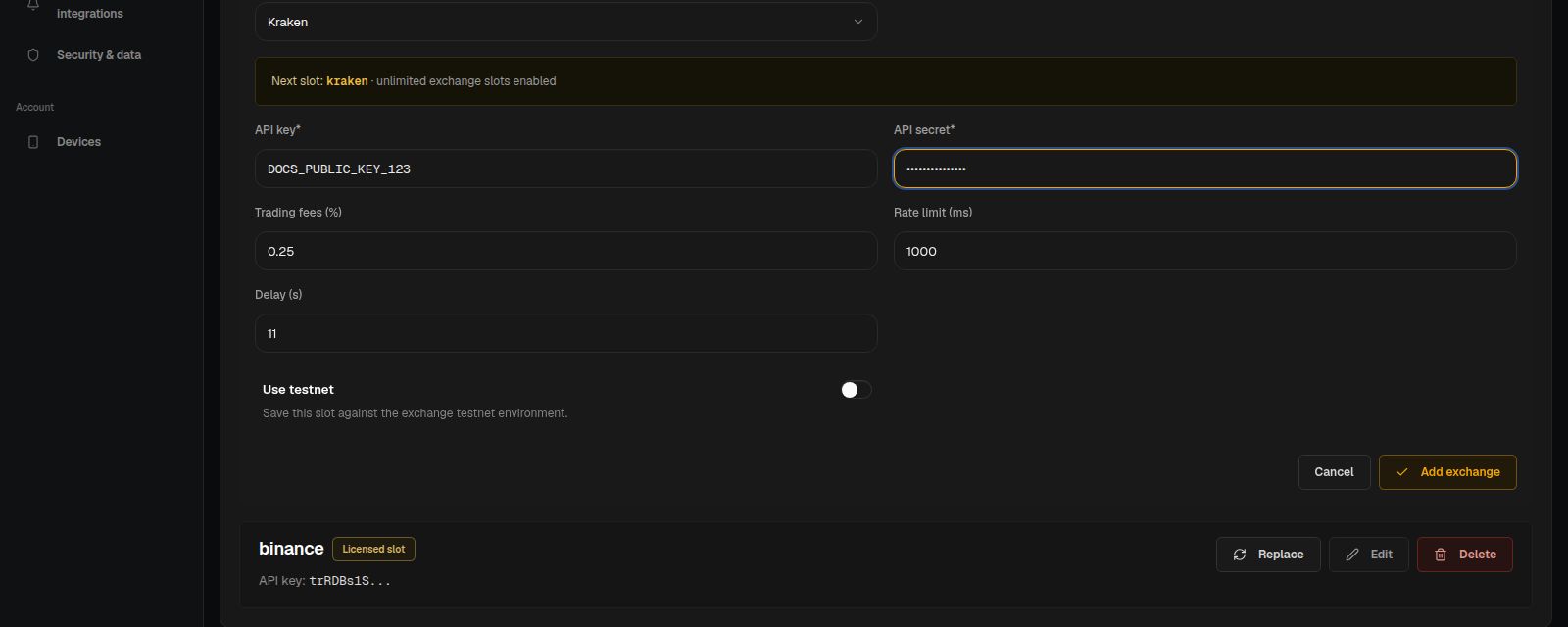
The registered public key is available to other Gunbot instances using the same Unlimited license wallet. Configure the secret separately on each instance that needs to use it.
If you run more than one Gunbot instance, separate API keys are usually easier to manage than reusing one key across bots.
Create the API key with trading permissions
Create the key on the exchange before adding it to Gunbot. Use the exchange-specific guide for the exact permission names and setup steps:
Gunbot normally needs permission to read account data and place trading orders. Avoid withdrawal permissions unless a specific integration explicitly requires them.
Some exchanges also use passphrases, account identifiers, subaccount settings, or IP restrictions. Enter those values in the fields shown for that exchange in Gunbot.
Check the exchange connection
After saving the credentials, open Trading settings > Add pairs and select the exchange connection.
A working connection should let Gunbot Live load the markets available for that exchange account. If the market list does not load or the exchange reports an authentication error, check the API permissions, secret, passphrase if applicable, and any IP restrictions on the exchange key.
Once the exchange is available, continue with Choose a strategy or Build your first trading setup.