Futures in Gunbot Live
Gunbot Live supports futures strategies on compatible derivatives exchanges. Futures uses dedicated strategy settings and the exchange's position model, including leverage, margin, funding, and liquidation behavior.
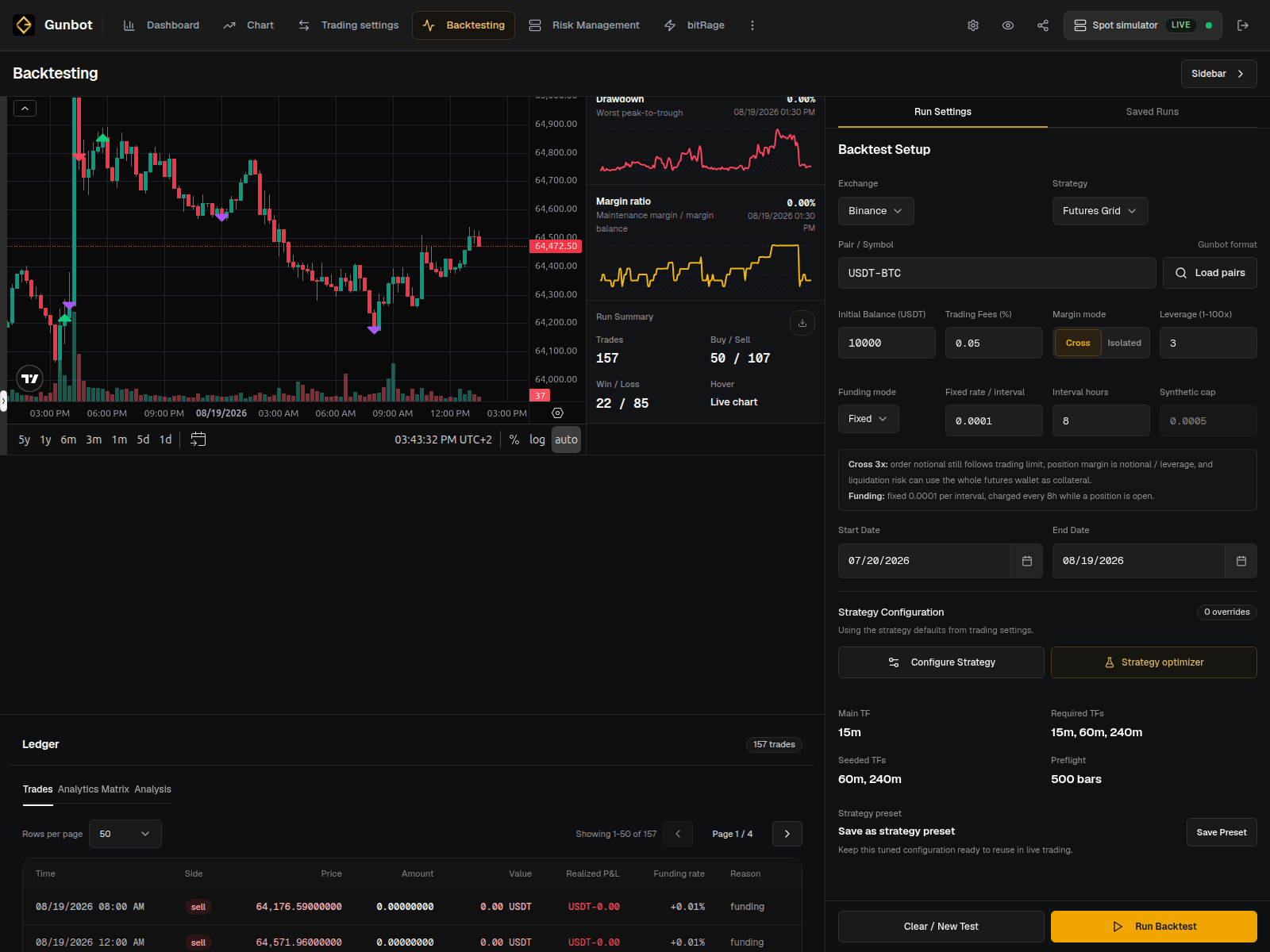
Backtest futures strategies
Simulator mode is spot-only. Use Backtesting when you want to explore a supported futures strategy without placing real derivatives orders.
Backtesting fully simulates futures margin mechanics alongside the strategy and trade results.
A futures backtest can show:
- long and short trades
- position size and exposure
- drawdown
- modeled fees and other available costs
- the effect of leverage and strategy settings
- the full trade sequence on the historical chart and ledger
See Backtesting for the workflow.
Choose a futures strategy
Open the strategy page for its trading rules and settings:
The exchange's leverage, margin, funding, liquidation, and position-mode rules apply to orders placed by Gunbot.
Long and short pair names
Some derivatives exchanges allow separate long and short positions on the same market. Gunbot can show those sides as separate pair names:
USDT-BTC-LONG
USDT-BTC-SHORT
Use the exact pair name shown in Gunbot Live. Each side can have its own configuration and position state.
On futures, the exchange-provided average entry price describes the current open position. It is different from Gunbot unit cost, which is a Gunbot-specific spot accounting value that can track remaining holdings across a long sequence of buys and sells.
Real futures trading
Before starting a real futures pair, set the exchange position mode and the strategy's leverage, margin, position sizing, and exits for the setup you plan to run. Funding and liquidation rules come from the exchange.
Use the Chart and Order History to follow the live position and compare it with the behavior you saw in Backtesting.