Risk Management in Gunbot Live
Use Risk Management to apply balance and drawdown rules to a configured pair.
Gunbot Live provides two models:
- Personal for a single minimum-balance threshold
- Prop for staged risk and trading-limit reductions as drawdown increases
Open Risk Management, select the pair, and choose the balance currency you want to monitor.
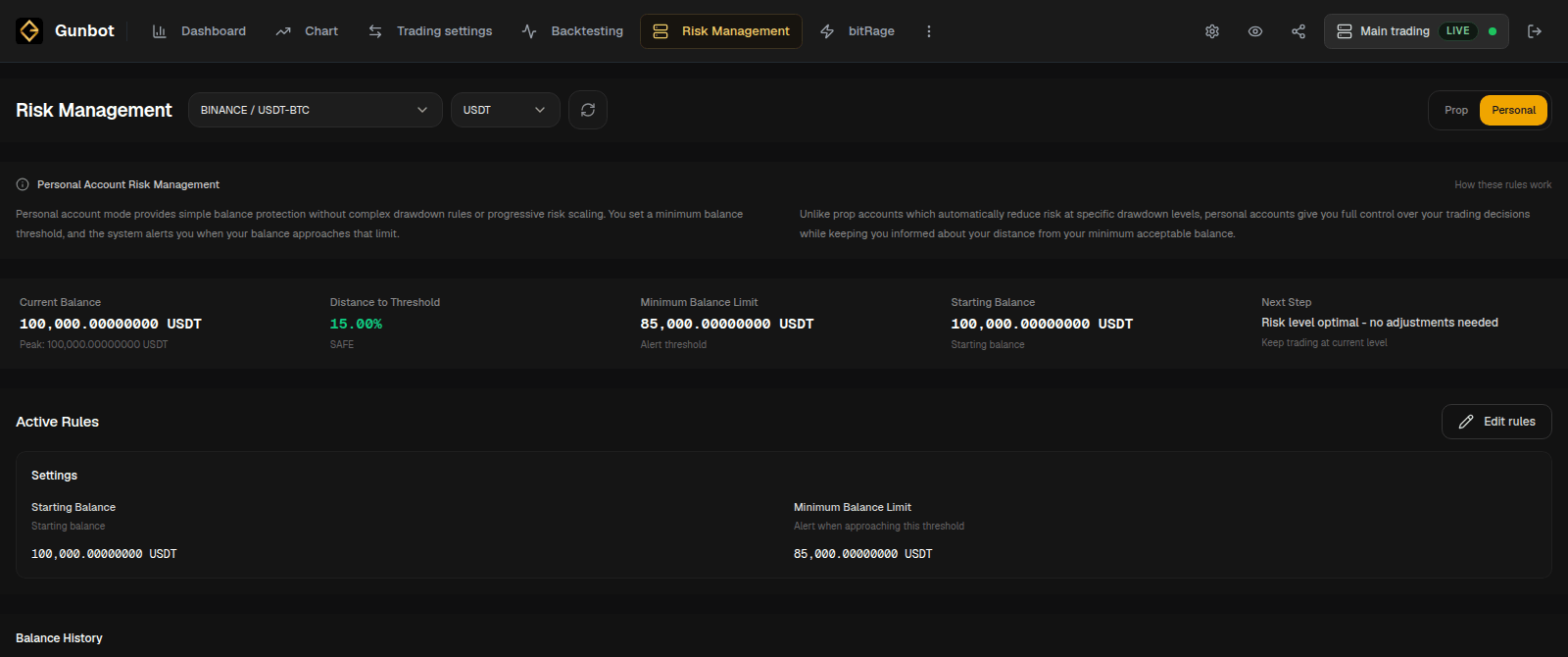
Personal
Personal uses two main values:
- Starting Balance
- Minimum Balance Limit
Gunbot Live tracks the current balance against the minimum and shows how far the account is from that threshold.
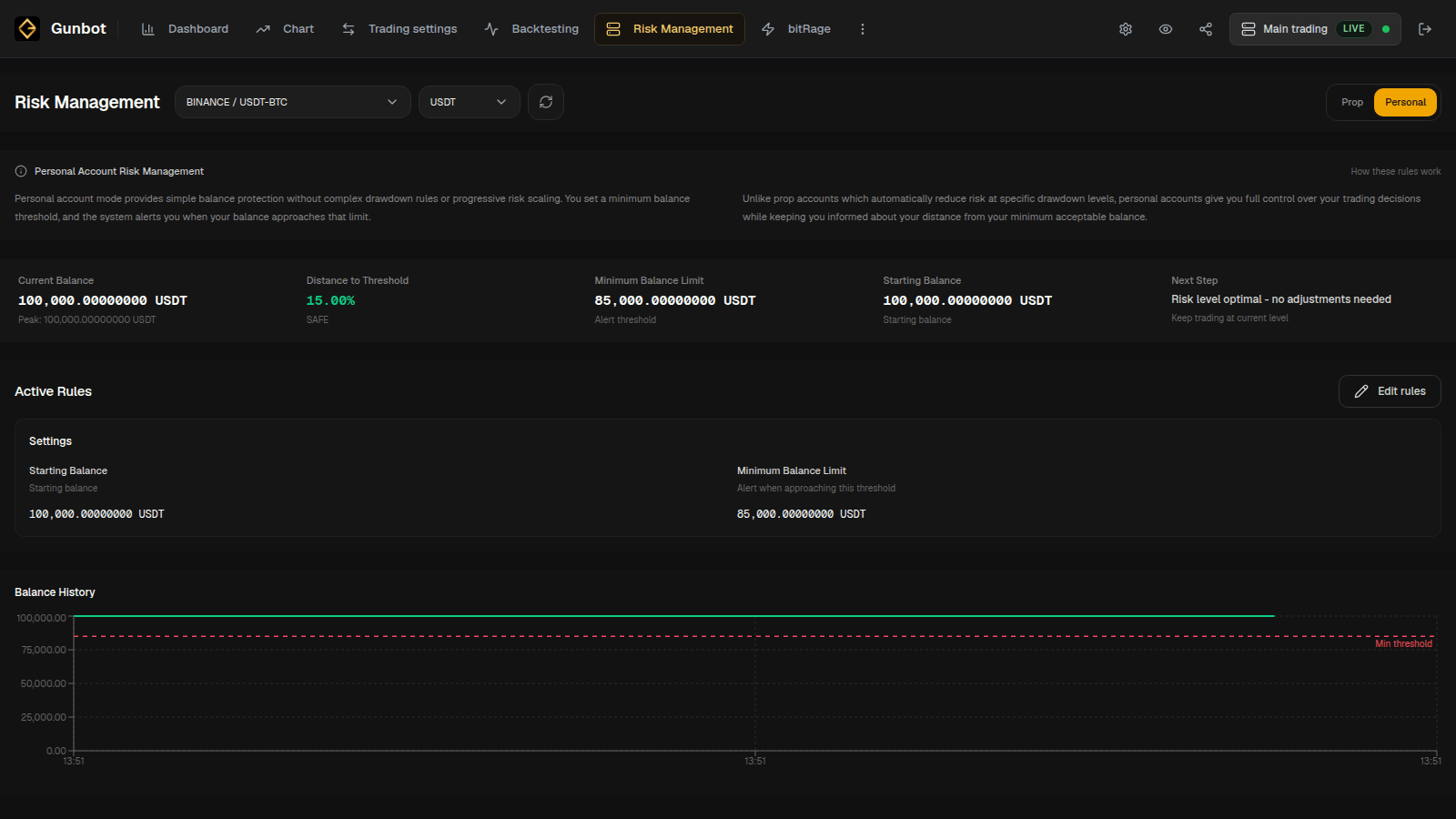
Personal tracks one minimum-balance threshold while the pair runs.
Prop
Prop uses three configurable levels. Each level has:
- a risk percentage
- a trading limit
As drawdown increases, Gunbot can move to levels with lower risk percentages and trading limits.
Gunbot Live calculates the next drawdown threshold from four times the active risk percentage. For example, a Level 1 risk of 1% reaches the next level after 4% drawdown. If the next active risk is 0.5%, another 2% drawdown reaches the following level.
When the account recovers past the corresponding recovery threshold, the model can move back to a higher level.
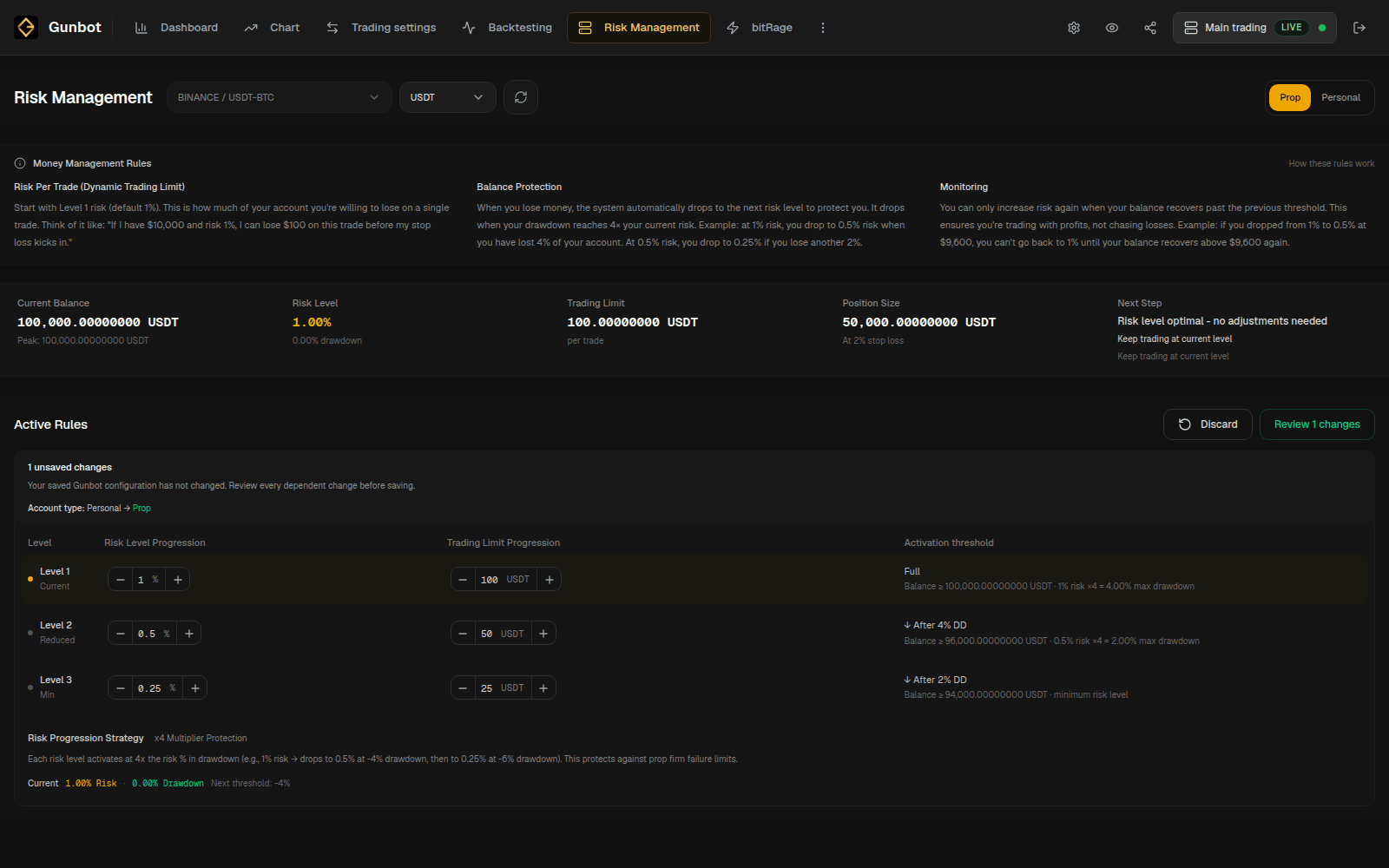
Risk percentage and trading limit
The risk percentage is used by the rule for that level. When stop-loss information is available, Gunbot Live can also use it to show a suggested position size.
The trading limit is the Gunbot trading amount assigned to that level. A lower Prop level can therefore reduce both the configured risk percentage and the amount Gunbot is allowed to trade.
Set the three levels around the account size and strategy you are running.
Review and save the rules
Risk Management keeps edits as a draft until you review and save them.
For Personal, check the starting balance and minimum balance limit.
For Prop, review all three levels together, including:
- risk percentage at each level
- trading limit at each level
- drawdown thresholds produced by those risk percentages
- the current level for the selected balance
Select Review changes to see the values that will be saved for the pair.
Strategy settings and risk rules
The selected strategy continues to control its entries, exits, order sizing rules, maximum investment, grids, indicators, and other trading logic.
Risk Management adds balance or staged risk rules to that pair. Use the strategy's normal order size, maximum position size, and the drawdowns from Backtesting when choosing the limits.
For common Gunbot sizing concepts, see Choose a strategy.