Installing Gunbot on ArmV7l (Raspberry Pi)
Gunbot users seeking to operate on a Raspberry Pi (ArmV7l) should note the current compatibility limitations. Newer Gunbot versions are not supported due to library and performance constraints of the Raspberry Pi. The last compatible version is Gunbot v24.
Info
ArmV7l is a 32-bit ARM architecture commonly found in devices like the Raspberry Pi. These devices require builds compiled for this architecture.
Prerequisites
Before proceeding, ensure you have a Raspberry Pi 4 ready for setup. This guide focuses on installing Gunbot v24, the latest version supported on ArmV7l (Raspberry Pi).
Downloading the ARM Build
Start by obtaining the ARM build of Gunbot v24:
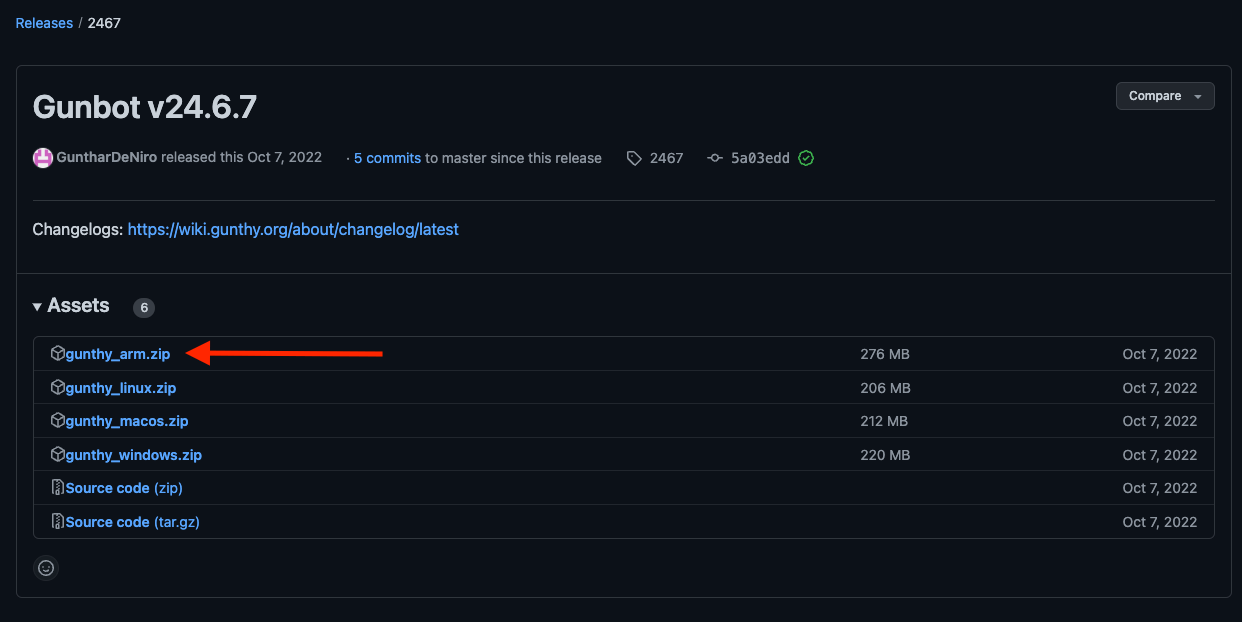
- Visit the official Gunbot v24 ARM build repository.
- Download the
gunthy_arm.zipfile.
Installation Steps
Extracting the Files
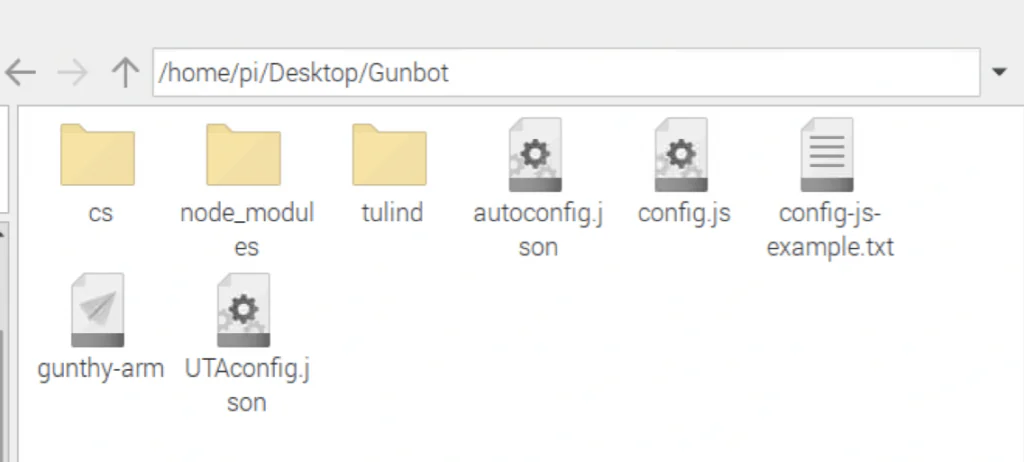
- Unzip the
gunthy_arm.zipfile. - Transfer the unzipped files to your target directory, for example
/home/pi/Desktop/Gunbot.
Setting Up Permissions
-
Open the terminal on your Raspberry Pi or connect via SSH.
-
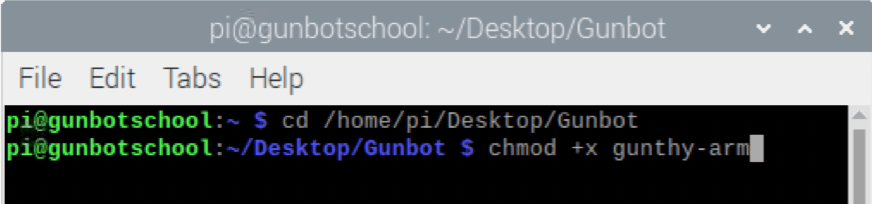
Navigate to the Gunbot directory:
cd /home/pi/Desktop/Gunbot -
Modify file permissions to make the Gunbot executable:
chmod +x gunthy-arm
Launching Gunbot
Execute the following command to start Gunbot:
./gunthy-arm
When the command succeeds, Gunbot runs in the terminal.

Accessing Gunbot
To interact with Gunbot:
- On your Raspberry Pi, navigate to
http://localhost:3001in a web browser. - From another device on the same network, use
http://<Raspberry-Pi-IP>:3001.
Troubleshooting
If you encounter errors when starting Gunbot, install the required dependencies:
sudo apt-get update
sudo apt-get install crossbuild-essential-armhf
sudo apt-get install libatomic1
sudo apt-get install libatomic1-armhf
After installing dependencies, try launching Gunbot again:
./gunthy-arm
Conclusion
With these steps, you should have Gunbot running on your Raspberry Pi 4.