Understanding Gunbot: Key Acronyms and Terms
Info
Familiarizing yourself with specialized vocabulary is key to mastering any new software or field. This glossary will help you understand Gunbot-specific language.
When using Gunbot groups or support documents, you'll encounter these common acronyms and terms.
Common Acronyms
- MVTS: This stands for MIN_VOLUME_TO_SELL, a parameter in Gunbot's configuration.
- MVTB: Short for MIN_VOLUME_TO_BUY, another key parameter in your Gunbot setup.
- TL: This represents the TRADING_LIMIT parameter.
- ITB: Stands for IGNORE_TRADES_BEFORE, a parameter that helps in managing your trading timeline.
- JSON: Refers to JavaScript Object Notation. In the Gunbot context, it refers to the format of configuration and core files. For instance, when someone asks to see your "jsons", they are likely referring to files like
exchange-BASE_QUOTE-state.jsonin your Gunbot installation directory. - DU: An acronym for Double Up, a strategy used for managing your trading bags.
- TTO: Refers to TSSL_TARGET_ONLY, a specific parameter in Gunbot.
- RT: Short for Reversal Trading, a strategy aimed at managing your trading bags.
- RTSB: Stands for RT_SELL_BUYDOWN, a parameter within the Reversal Trading strategy.
- RTBB: Represents RT_BUY_BUYDOWN, another parameter in the Reversal Trading setup.
- BEP: Break-even point, also known as average bought price.
Common Terms
The Console/Terminal
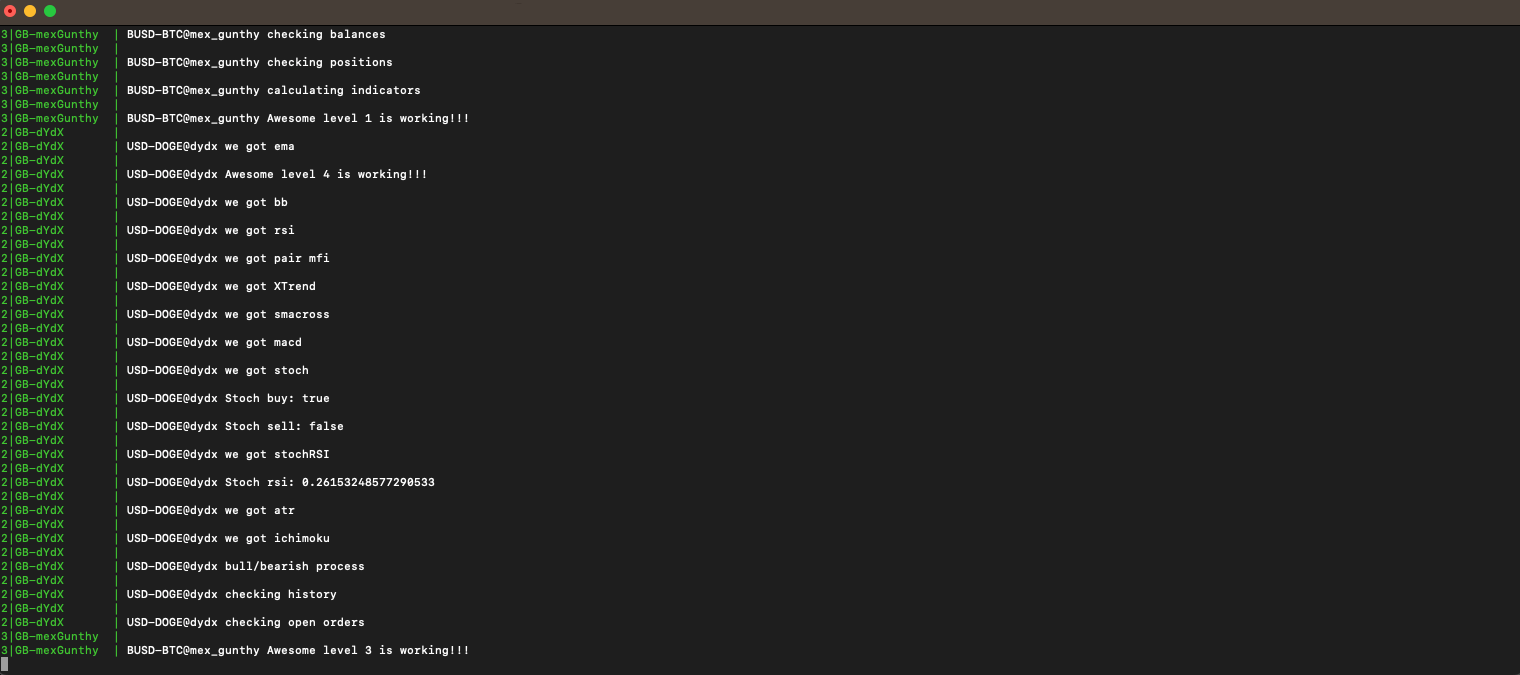
The console, or terminal, is the window that displays Gunbot's operations once you start it.
Logs
The term logs refers to the ongoing data displayed in the Gunbot console. These logs are critical for identifying errors and are also saved in the gunbot_logs folder.
The Grid

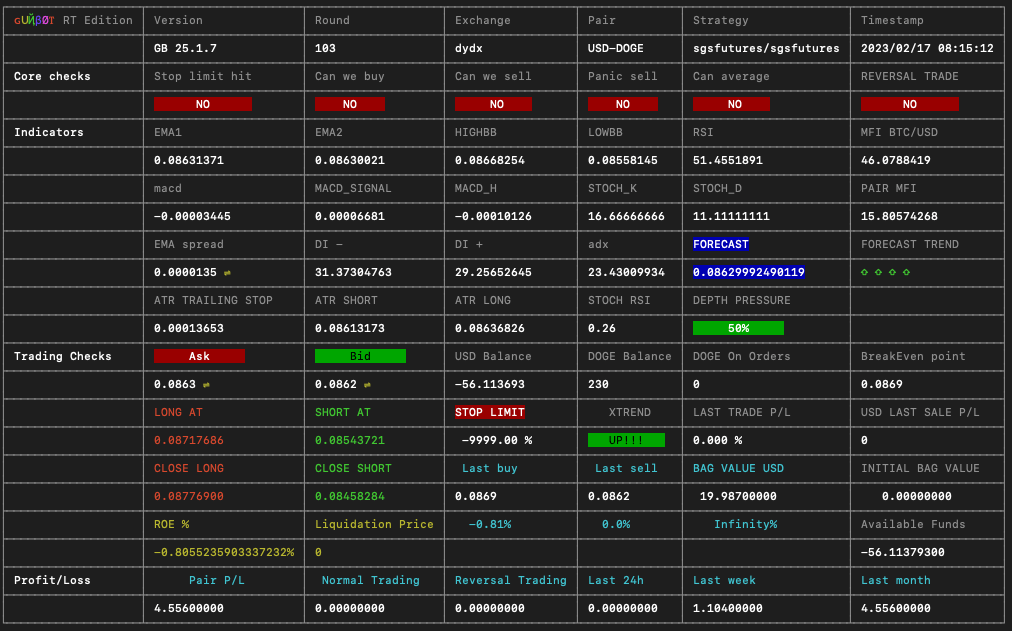
The grid area in Gunbot displays information about core checks, indicators, and trading checks. It's a key section for understanding Gunbot's operations, except for the emotionless strategy, which does not display a grid.
Core Checks
Includes details like stop limits, buy/sell conditions, and panic sell status.
Indicators
This section shows the calculated indicators used by Gunbot for trading decisions.
Trading Checks
This area shows current prices, balances, entry and exit points, and other trading data.
Profit/Loss
This section offers a detailed view of your trading pair's profit or loss statistics, taking fees into account.
JSON State Files
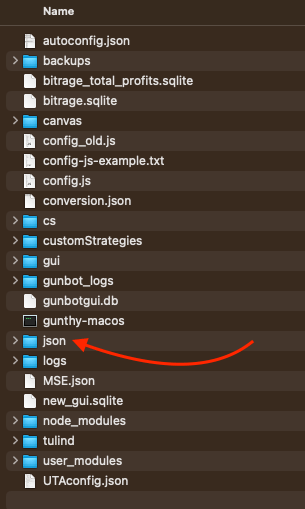
These files record Gunbot's view on a specific trading pair and can be found in the json directory of your Gunbot installation.
Safeconfig File
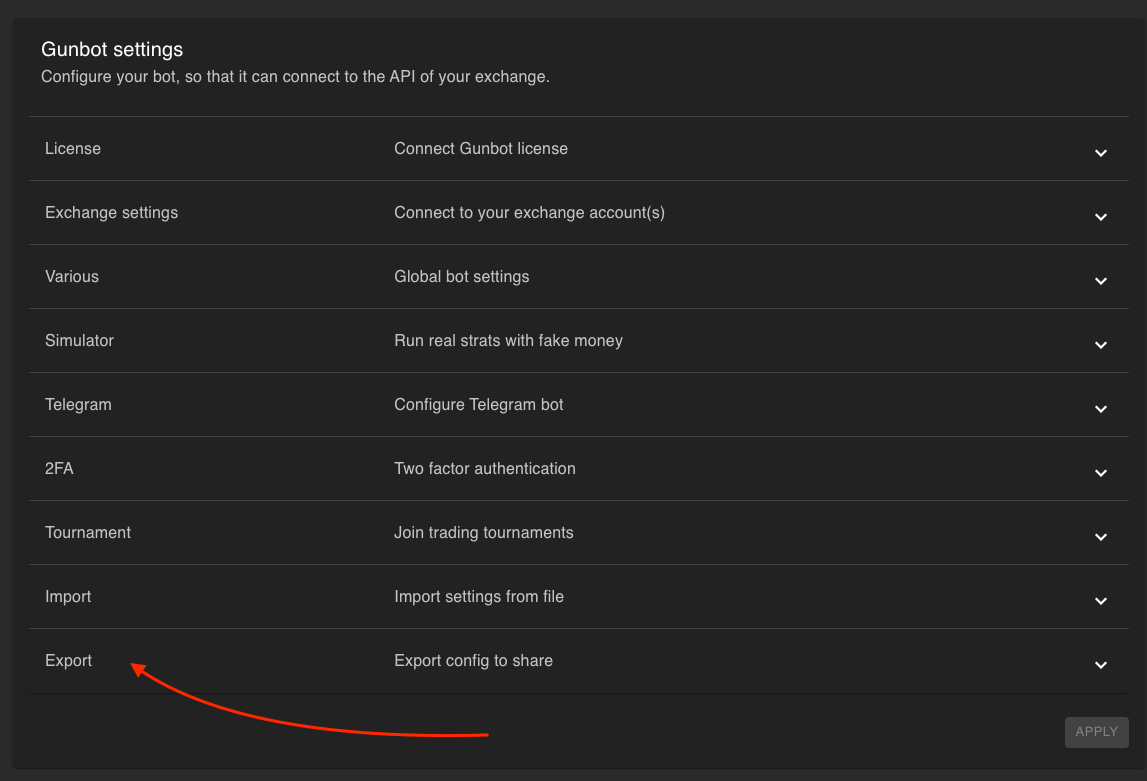
The safeconfig.json file is a sanitized version of your config.js, devoid of sensitive data like API keys and wallet addresses. It's safe to share, for instance, with support teams.