Using the Gunbot Code Editor
The Code Editor is part of the Gunbot interface for users seeking direct control over config files or strategy code. It is designed for users comfortable with JavaScript and JSON, letting you edit Gunbot configuration files, view internal data, and develop custom strategies without leaving the Gunbot environment.
Info
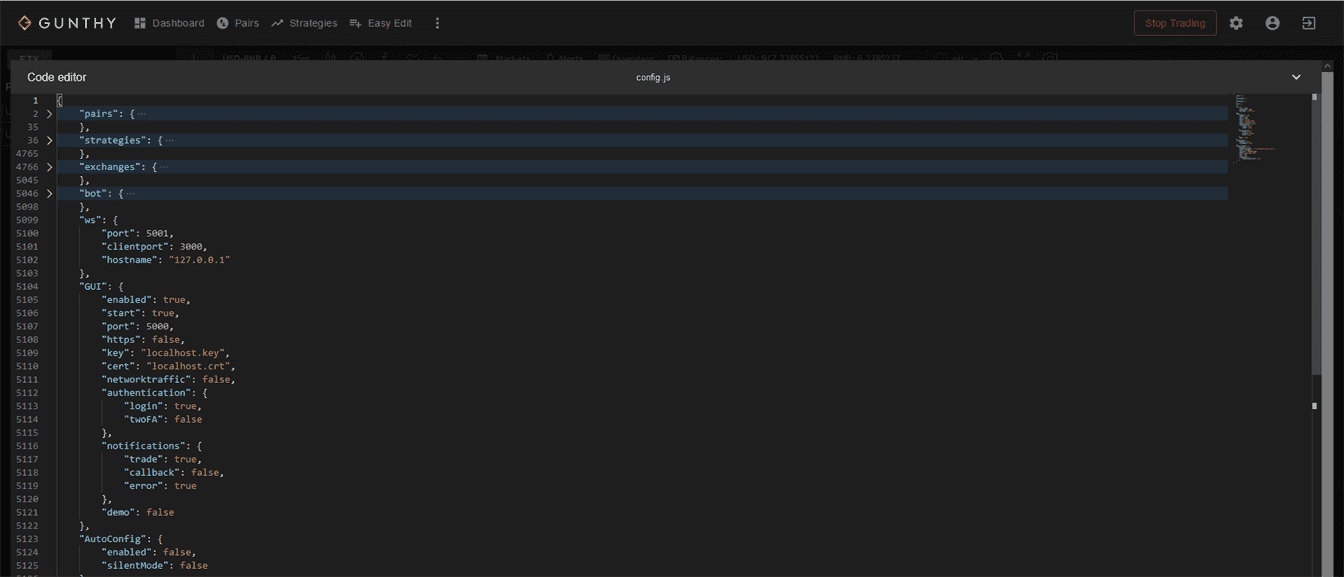
The Gunbot Code Editor is a built-in tool that allows users to directly edit configuration files (like config.js and autoconfig.json) and custom strategy JavaScript files.
For the Code Enthusiasts
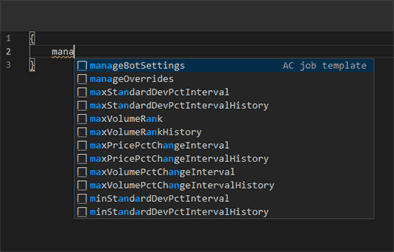
If you're comfortable with config files or JavaScript, the Code Editor gives you direct access. It supports editing config.js, the main configuration file, and autoconfig.json for AutoConfig jobs. It also includes autocomplete templates and suggestions to help keep syntax correct and configurations valid.
For the Casual User
Even if you're not a coding aficionado, the Code Editor is built to be approachable. It's there when you need it but stays out of the way when you don't. You can stick to the graphical user interface for most trading needs.
Supported File Types
The Code Editor supports different file types, each serving a specific purpose in your trading setup:
- Main Config (
config.js): Modify your core settings with read and write support. - AutoConfig (
autoconfig.json): Define dynamic trading jobs. The editor assists with templates and autocomplete features. - Pair State Files: Access internal read-only data to review trading performance.
- Custom Strategies: Craft your trading algorithms in JavaScript, stored in the
/customStrategiesfolder, with full editing capabilities. - Config Backups: Safeguard your settings with automatic backups every time you make changes through the GUI.