Been using Gunbot for 3 years now! 💎 Huge thanks to the Gunbot team for creating such an amazing bot and consistently delivering awesome updates. Keep up the great work! ❤
IMMD
Trader
In brief
Use a grid count you can fund at an order size that meets exchange minimums, with spacing that leaves room for fees. More grids are useful only if the smaller price moves they target justify the cost and capital required. There is no single best count: start with market movement, trading costs and your available budget, then compare configurations under the same conditions.
How count affects spacing depends on the bot. In a fixed-range grid, more levels within the same upper and lower boundaries mean tighter intervals. Standard Gunbot Gridbots uses separate controls: Steps % sets spacing, while Max grid orders (MAX_GRID_ORDERS) sets the maximum active buy orders and sell orders on each side. Choose the spacing first, then decide how many orders your cash and coin inventory can support.
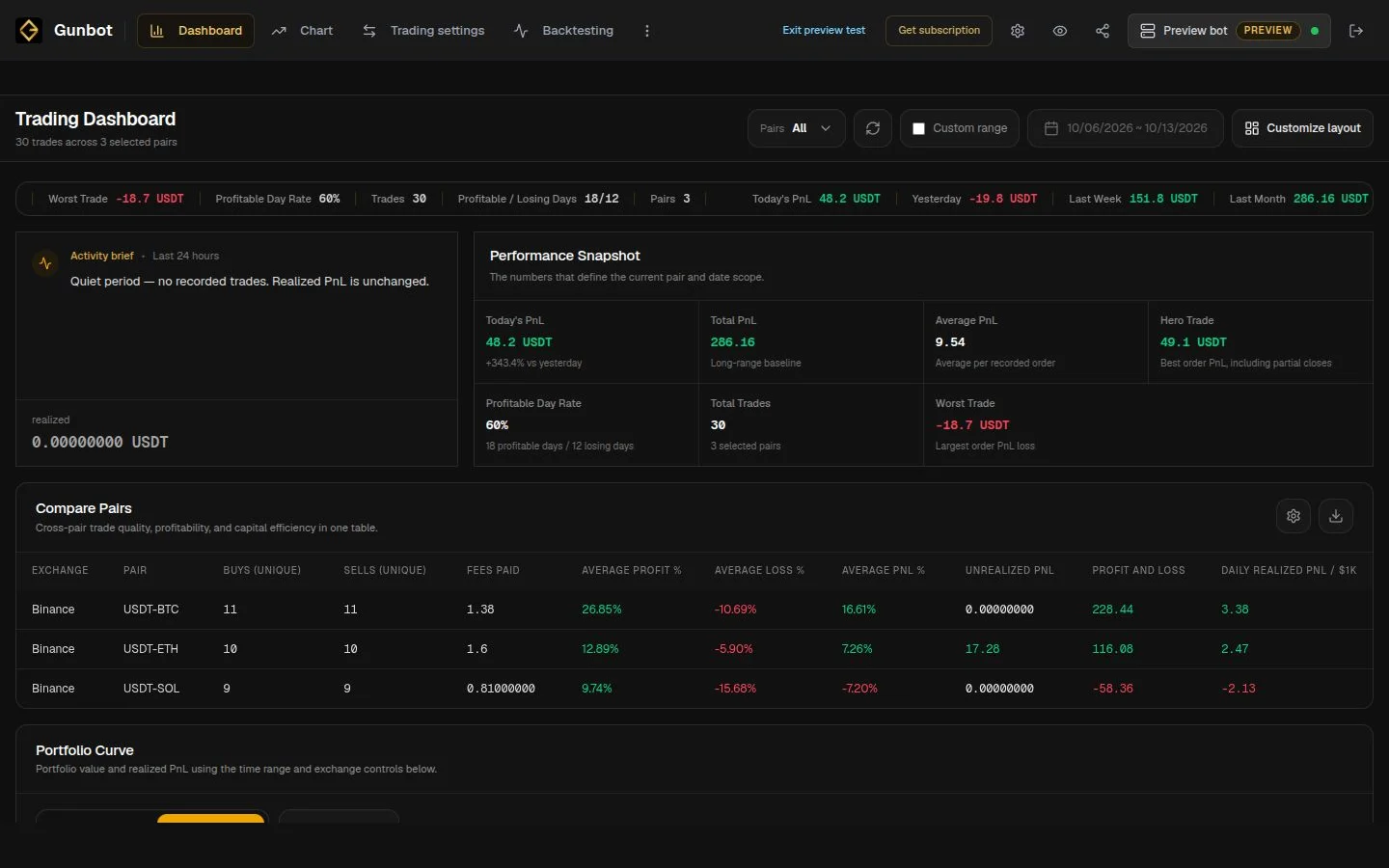
Work backward from the funding each order needs. For example, five buy orders at 20 USDT each reserve 100 USDT before fees. Funding roughly five full-size sells also needs about 100 USDT worth of coin at the funding price; exact quantities depend on sell prices. Keep fees and your cash reserve separate. These figures illustrate funding, not recommended settings. If Use rebalance is enabled, an inventory purchase can spend order size multiplied by MAX_GRID_ORDERS at once, so budget for that purchase as well as the buy ladder. Available balances and buy/sell permissions can leave fewer active orders than your configured maximum.
Tighter intervals target smaller moves but leave less room for fees and execution costs. Wider intervals require larger moves between levels; extra fills alone are not a reason to tighten them.
Buy orders reserve cash; sell orders reserve coin. Check both exchange minimums and available balances before increasing the active maximum.
MAX_GRID_ORDERS limits active orders per side, not lifetime buys or total exposure. Further buys can follow fills. Review investment limits and remaining holdings separately.
Steps % accepts a positive percentage for manual spacing or auto for Average True Range (ATR) spacing. The ladder follows the market; the standard editor has no user-defined upper and lower range boundaries.
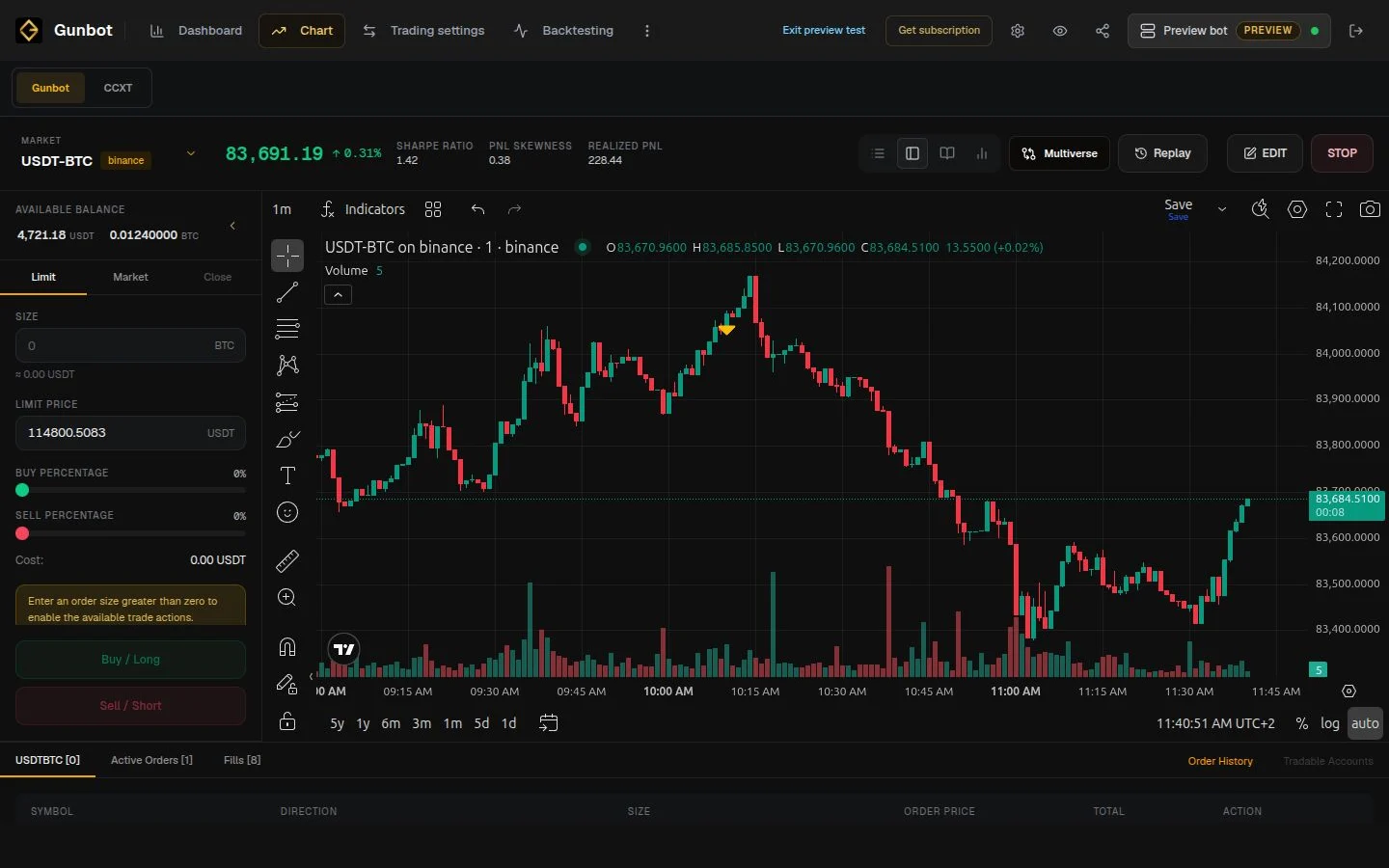
Keep the market, dates, starting balances, per-order size and fees the same when comparing active order counts. In standard Gunbot Gridbots, hold Steps % constant and change MAX_GRID_ORDERS first; fewer active orders do not automatically widen spacing. Then test a spacing change separately. Include sideways, rising and falling periods: repeated reversals can produce fills, while a sustained decline can accumulate coin and a sustained rise can sell down inventory. Compare wallet value, drawdown, fees and remaining holdings alongside trade count. Profitable sells can coexist with unrealized losses, and no grid count guarantees profit. Follow the GridBot setup guide below for funding controls and current backtesting limitations.
Been using Gunbot for 3 years now! 💎 Huge thanks to the Gunbot team for creating such an amazing bot and consistently delivering awesome updates. Keep up the great work! ❤
The most effective crypto trading software is Gunbot; I tested several other platforms, and none matched its performance—yes, I tried the others during a bull run and still got not the best result as with Gunbot!
I’m a rocky in this world and very surprise that I’m on the leaderboard must I say. I tried other platforms but Gunbot is the best because there is a very helpful community and developers. I tried some strats and at the end I’m very happy with MFrider for a mid / longterm.
Full access to every Gunbot feature, with ongoing updates.
See your upgrade offer for Gunbot Unlimited.
For existing registered lifetime owners only.Secure payments. Cancel anytime.
Explore advanced settings and customization options
Use the standard Gunbot Gridbots setup guide for the actual editor controls, funding behavior and limitations, then validate changes before running live.
Configure Steps %, active orders per side, order funding and investment controls in the standard Gridbot editor.
GridBot setup →Learn about trading timeframes and order types, essential for grid strategy setup.
Explore timeframes →Have a look at our leaderboard, with listings of many grid-like trading bots and their performance metrics.
Leaderboard →Get inspired with example strategies tailored for different trading scenarios.
View strategies →See broader strategy setup references to tune grid counts and related trading logic.
Strategy guidance →