Continuous Strategy Management
Use AutoConfig to adjust bot settings and manage trading pairs as market conditions change.
Gunbot / Crypto.com automation
Enhance your Crypto.com experience
A dedicated automation tool for Crypto.com Spot markets. Features intelligent DCA, Grid strategies, and full strategy customization.
Meet the Gunbot workspace. Build your strategy, manage trading pairs, and follow execution from one interface.
Connect through the exchange API and keep funds in your account.
Choose a built-in strategy or develop custom JavaScript logic.
Keep pairs, strategy settings and trading activity within reach.
From account to automation
Connect Gunbot to a supported Crypto.com Exchange spot account using API keys. Run and manage your strategies through your own Gunbot trading core, with a workspace for monitoring and configuration. See the Crypto.com API-key setup guide and Gunbot plans below.
Explore accounts and pair management →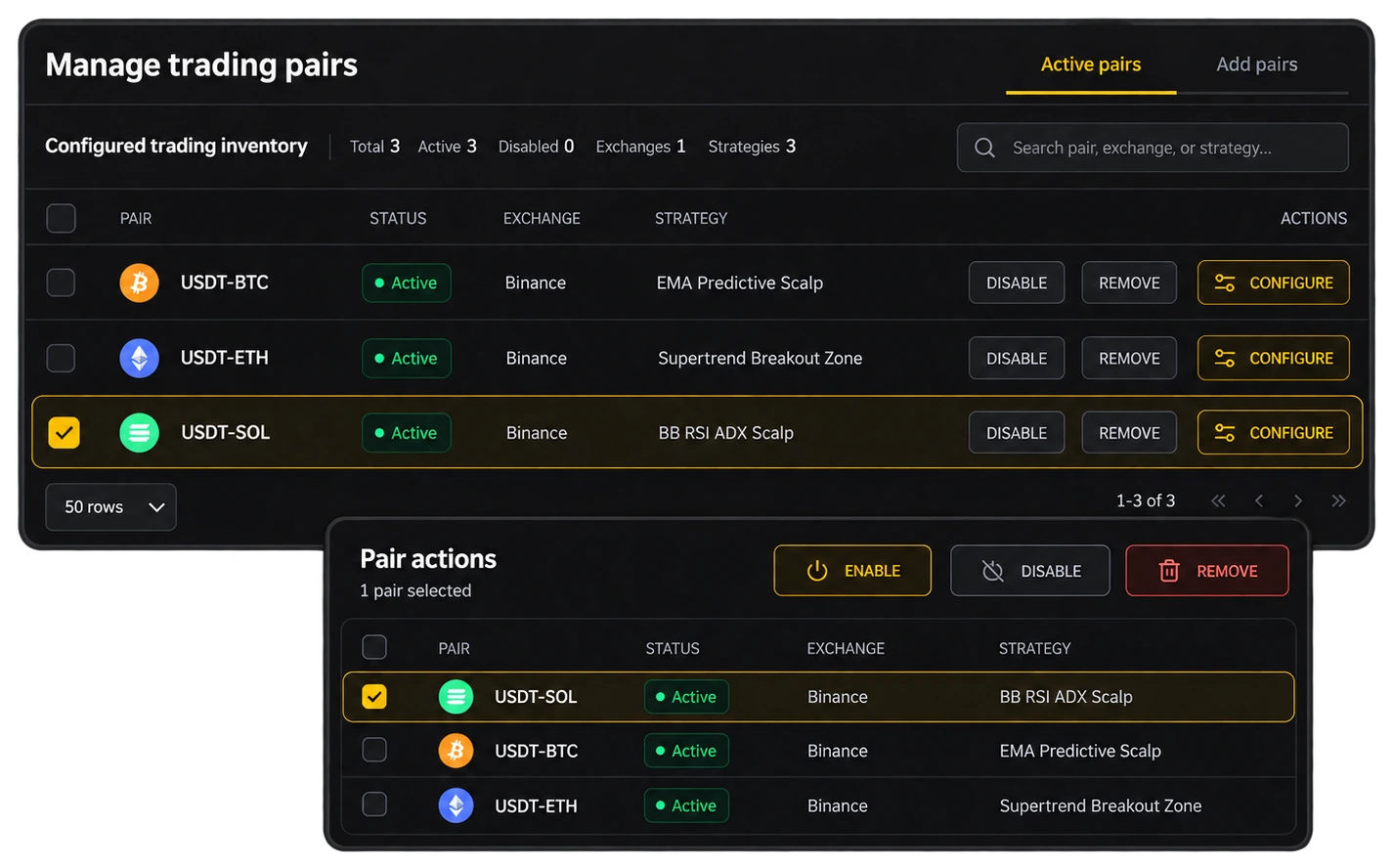
Strategy and execution
Crypto.com Exchange offers built-in DCA and grid bots. Gunbot is a separate trading automation platform that connects to your Crypto.com Exchange account by API. Your Gunbot trading core runs on your own computer or server and lets you configure spot strategies, adjust trading rules, or develop custom JavaScript strategies. Use built-in spot strategies such as grid and DCA, adjust their settings, or build custom logic for your approach. You choose the pairs, strategy parameters and risk settings. Automated trading does not remove market risk, and results depend on your configuration and market conditions.
Automation tools
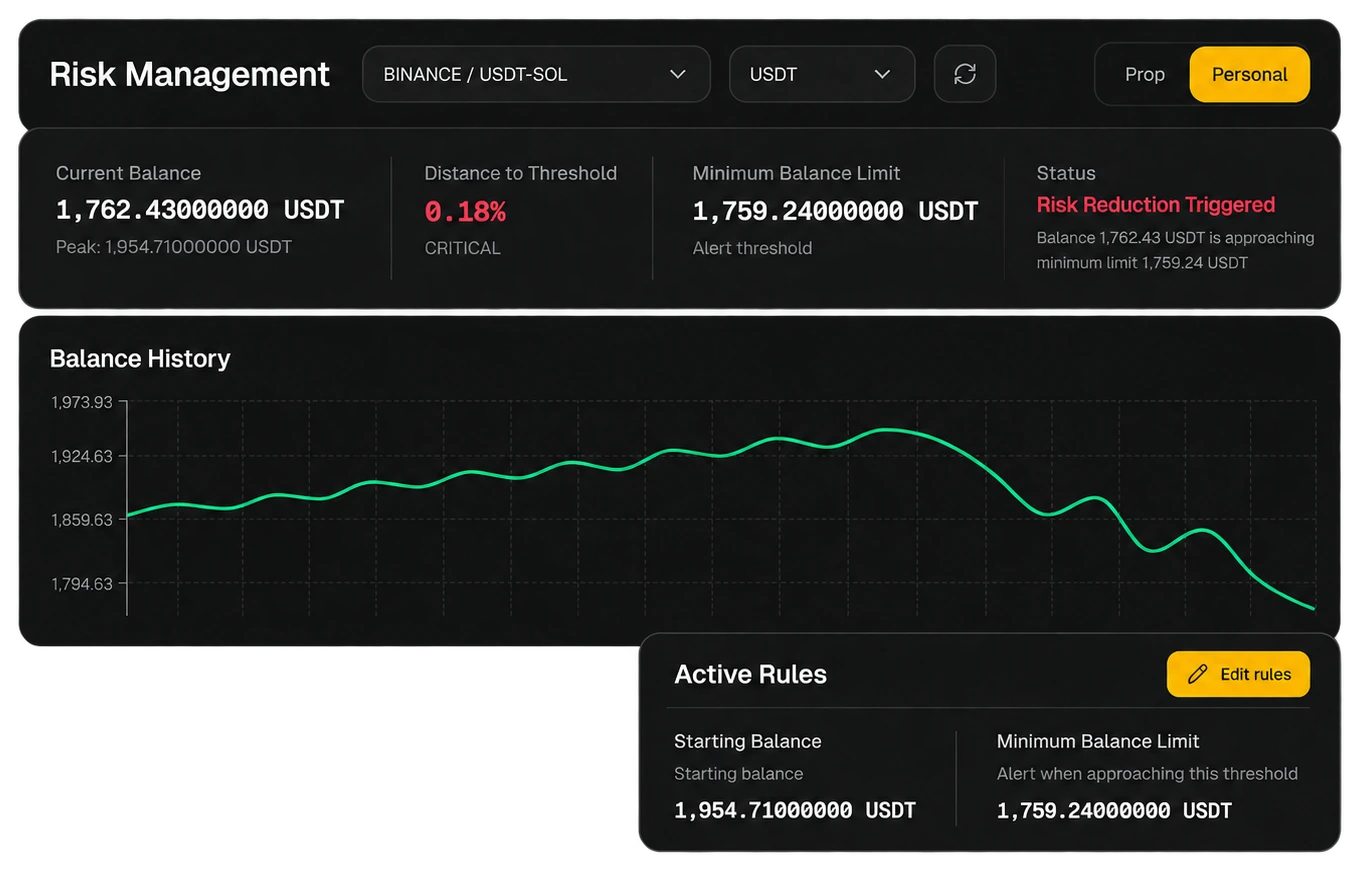
Use AutoConfig to adjust bot settings and manage trading pairs as market conditions change.
Configure spot strategies, including grid and DCA workflows, to suit your trading approach.
Build on built-in strategies with configurable rules or custom JavaScript.
Manage your Crypto.com strategies from a clean, responsive interface on any device.
Connect your Crypto.com Exchange account to your own Gunbot trading core and configure spot strategies, trading rules, or custom JavaScript automation.
Gunbot provides configurable grid strategies with options for spacing, trailing and position management.
Grid trading automates orders within a price range. Configure grid spacing, trailing and position limits to suit your approach. Trading results depend on market conditions and settings.
Get started with Crypto.com
Follow the exchange setup guide and configure the API permissions required for trading. Keep withdrawal access disabled where applicable.
Read the setup guide →Choose the pairs and strategy you want to run. Review order sizes, exposure limits and entry and exit settings before enabling automation.
Explore strategy tools →Monitor orders and trading activity, then adjust settings as conditions change. Automation follows your rules; it does not remove market risk.
See Gunbot in action →Technical guides for your setup
Optimize your Crypto.com automation with these resources. From backtesting data to strategy development.
Follow the exchange-specific steps to connect your account.
View setup guide →Explore the current Gunbot Unlimited subscription options.
View plans →Review historical performance of strategies to inform your Crypto.com configuration.
See results →Learn to write custom JavaScript logic for precise control on Crypto.com.
Start coding →A technical breakdown of spot strategies optimized for Crypto.com markets.
See strategy choices →View the full list of compatible exchanges to manage your portfolio.
See exchange support →Before you connect
Gunbot Unlimited combines the hosted workspace shown in the overview with self-hosted trading cores. API secrets and order execution stay on the cores you run.
Connect an exchange →Review each exchange’s supported markets, minimum order sizes and API requirements. Strategy settings should fit the selected pair and market; backtesting and past results do not guarantee live results.
Check exchange support →Your next step