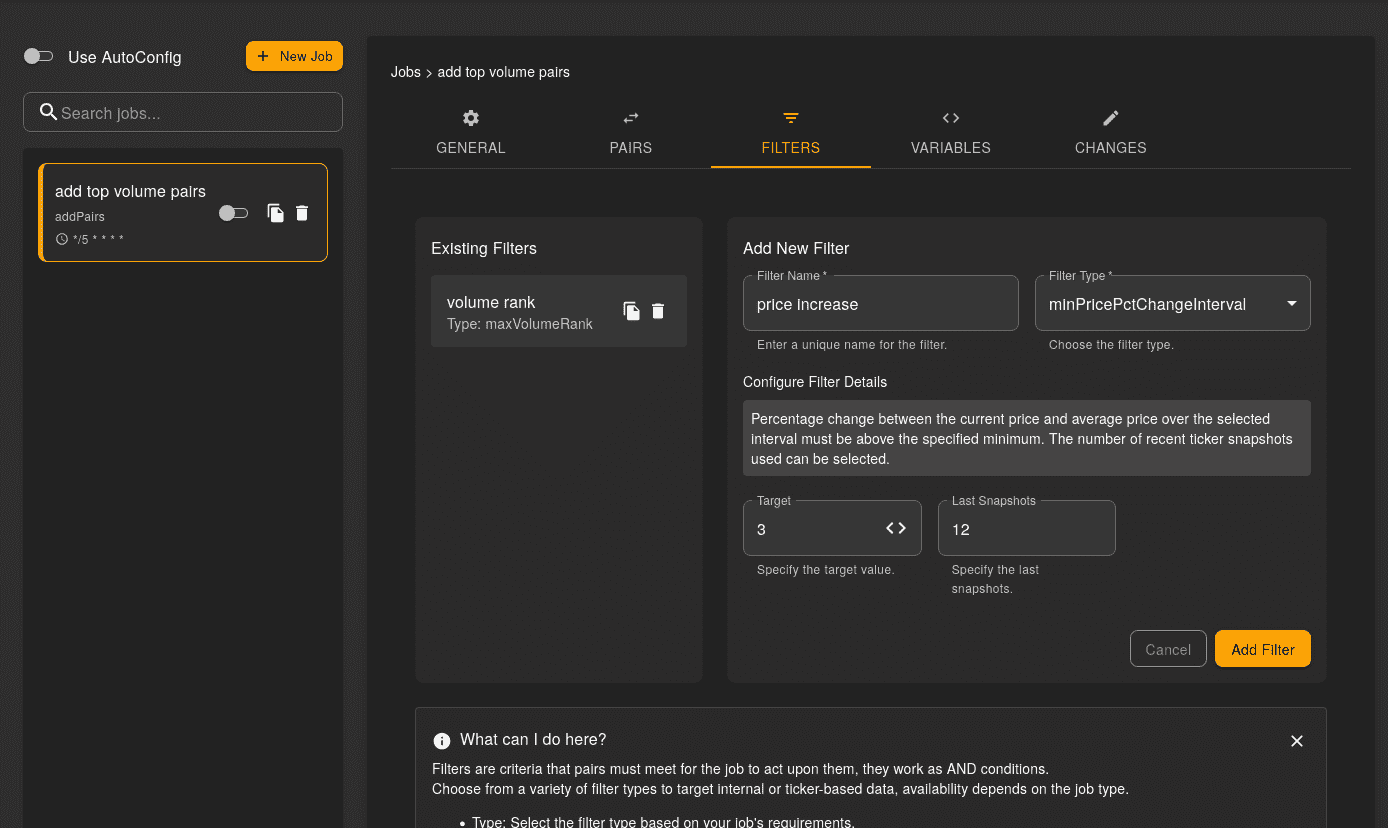
What is AutoConfig
Gunbot's AutoConfig automates Gunbot settings through scheduled "jobs" that handle tasks you would otherwise do manually, such as changing a profit target or scanning an exchange for new pairs.
Jobs run on a cron-like schedule so you can control when automation happens.
Cron is a time-based job scheduler in Unix-like computer operating systems. Users schedule jobs (commands or shell scripts) to run periodically at fixed times, dates, or intervals. AutoConfig uses a similar concept for scheduling its automation tasks.
Jobs are defined as JSON objects. You can generate simple jobs in the browser interface and use a code editor for more complex setups.
Examples of Tasks You Can Automate with AutoConfig
- Scan exchanges and automatically add pairs: Add pairs based on criteria like volume, price, and trailing stops, with custom filters to limit what gets added.
- Create rules for pair removal: Remove pairs that no longer meet your criteria, such as low volume or volatility.
- Change the strategy for active pairs: Switch strategies for active pairs, for example to handle bags when prices drop.
- Monitor pair state information and automatically set pair overrides: Apply pair-specific overrides based on state, such as using a different gain target during an uptrend.
- Orchestrate complex trading setups: Use JavaScript for custom filters or rule-based settings, with variables stored globally or per pair.
AutoConfig covers most automations without coding, while still supporting custom JavaScript when you need it.