Execute Webhook or Email Trade Alerts
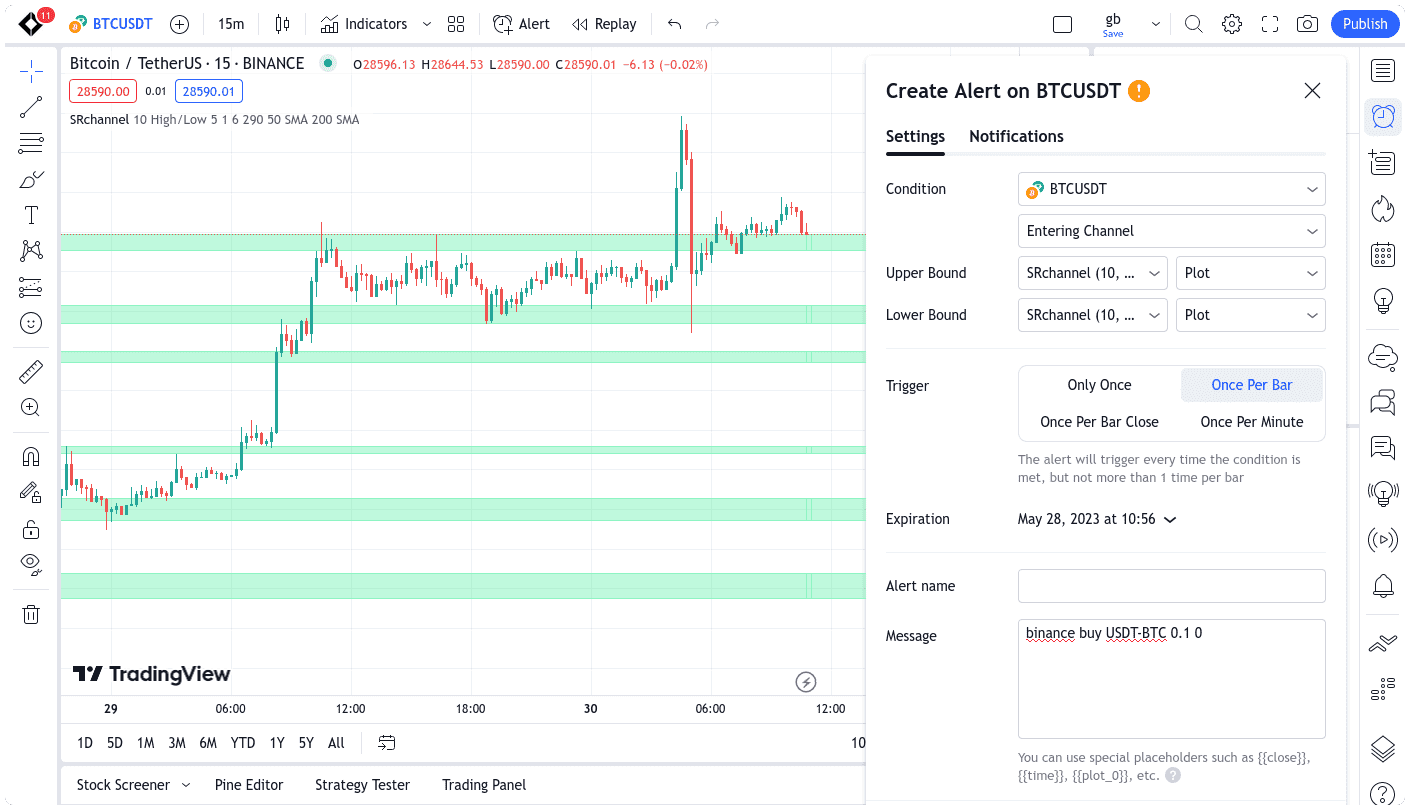
Gunbot can execute trading alerts from platforms such as TradingView. You can connect custom strategies and have trades placed when your signals arrive.
A webhook is an automated message sent from one application to another when something happens. Email alerts are notifications sent to an email address. Both can be used to trigger trades in Gunbot.
Gunbot supports incoming alerts via email and webhooks. Any platform or custom tool that can send these messages with the required syntax can be interpreted by Gunbot. By default, Gunbot supports alerts from TradingView.com.
📄️ Webhook Alerts
Webhooks let TradingView.com alerts reach a Gunbot instance directly. Gunbot must be publicly accessible on port 443.
📄️ Email Alerts
The Gunbot TradingView add-on executes trading alerts from custom TradingView strategies by processing email signals. It can also execute trades from any email alerts, so TradingView is optional.
Key Features
Gunbot can run in exclusive mode for executing alerts, focusing on your signals without other strategies. You can also combine alerts with automated strategies. For example, handle buy signals externally and sell with an automated strategy.
To get started, configure trading signals on your chosen platform, then send alerts to Gunbot via email or webhook. Once configured, Gunbot executes trades according to your external strategy rules.