Been using Gunbot for 3 years now! 💎 Huge thanks to the Gunbot team for creating such an amazing bot and consistently delivering awesome updates. Keep up the great work! ❤
IMMD
Trader
In brief
Setting limits on your trading bot helps manage exposure and control risk, creating a safer trading environment.
Using limits is key for any trader, especially in volatile markets. By setting controls such as stop-loss levels, trade caps, and budget allocations, you protect your capital and keep your trading aligned with your goals. Gunbot provides intuitive options for configuring limits that suit your strategy, helping you balance potential gains with security measures. This approach lets you take advantage of market opportunities while maintaining a steady grip on risk.
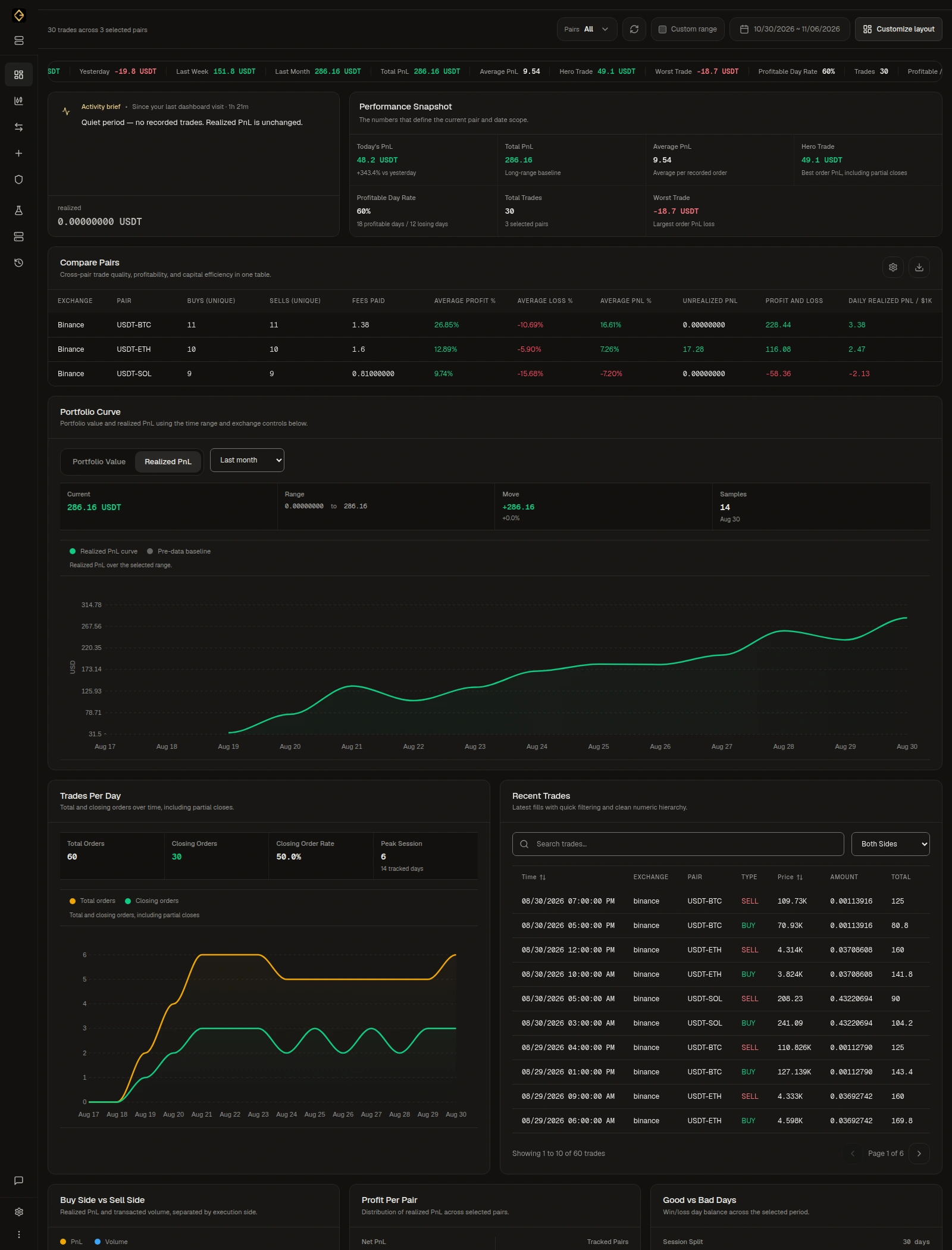
Limits are essential tools that help traders protect their investments. By setting specific boundaries, such as maximum trade amounts, stop-loss levels, and profit targets, you can guide your trading bot to act within safe parameters. This strategy is especially valuable in high-frequency and leveraged trading, where market swings can impact results quickly. Gunbot makes it simple to apply various limit settings, providing you with options to customize each aspect of your risk management approach. For example, a stop-loss limit can prevent losses from exceeding a certain level, while trade limits help you control your exposure across multiple positions. These measures allow you to balance risk and return, helping you focus on growth without overextending your capital.
Prevent unexpected losses by setting stop-loss limits that align with your risk tolerance.
Capture gains automatically by setting profit targets for each trade, locking in profits as markets move.
Control the amount of capital allocated to each trade, reducing the risk of overexposure.
Set budget limits to determine how much capital is used in trading, keeping a healthy balance between trading and reserves.
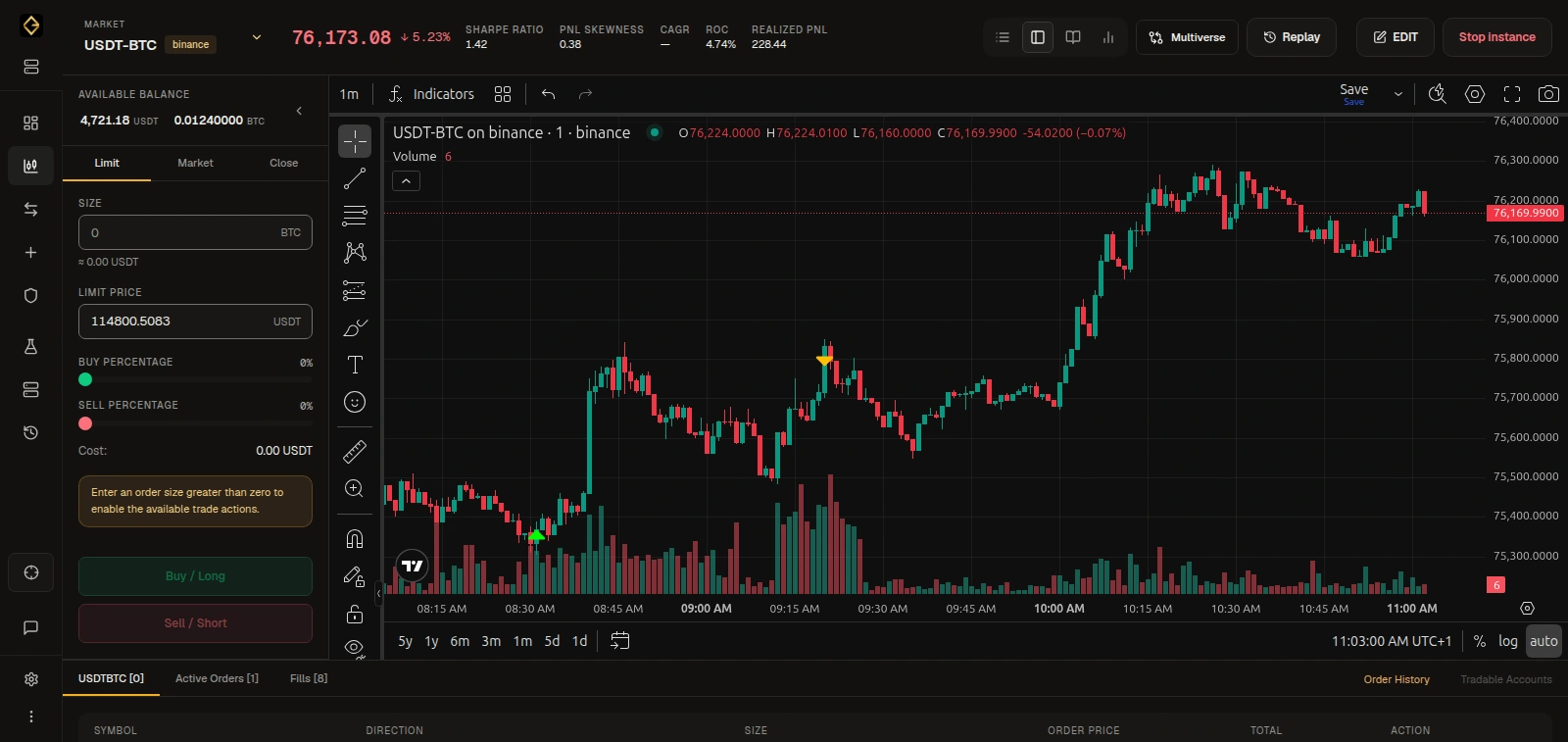
Implementing limits helps you feel confident about your trading decisions, knowing that you have measures in place to control potential losses. Gunbot's customizable settings allow traders to set limits on each trade, ensuring that their strategies perform within acceptable boundaries. Whether you're using leverage or managing multiple assets, limits such as stop-loss and profit targets add a layer of security that keeps your trading on track. This approach allows traders to focus on growth and performance, with the peace of mind that their capital is safeguarded by intelligent, pre-set controls. Over time, this disciplined method of trading leads to stronger outcomes and reduces the emotional impact of market fluctuations.
Been using Gunbot for 3 years now! 💎 Huge thanks to the Gunbot team for creating such an amazing bot and consistently delivering awesome updates. Keep up the great work! ❤
The most effective crypto trading software is Gunbot; I tested several other platforms, and none matched its performance—yes, I tried the others during a bull run and still got not the best result as with Gunbot!
Bought Gunbot in November, fumbled with Sim in December... Kicked off real trading last month... And after 1 month I made back the ultimate lifetime licence cost 2 times. Thanks for your great software @GuntharDeNiro and to all those who helped make it stronger with new strategies and feedback for improving the systems over the years. This is the best bot I have seen in terms of control we have as a user.
Full access to every Gunbot feature, with ongoing updates.
See your upgrade offer for Gunbot Unlimited.
For existing registered lifetime owners only.Secure payments. Cancel anytime.
Resources for understanding and applying trading limits
These resources offer deeper insights into how limits work for trading bots, from choosing stop-loss levels to defining trade budgets.
Learn to use Autoconfig to automatically adjust your bot's settings based on market conditions.
Autoconfig guide →Understand which spot strategies align well with different limit settings to balance risk and growth.
Spot strategies →Gain insights into which timeframes work best for setting different trading limits.
Timeframes explained →Explore backtesting tools to test different limit setups on past data and optimize your settings.
Backtesting →