Been using Gunbot for 3 years now! 💎 Huge thanks to the Gunbot team for creating such an amazing bot and consistently delivering awesome updates. Keep up the great work! ❤
IMMD
Trader
In brief
Automating trades no longer requires coding skills. Gunbot's no-code features help users build trading bots quickly and efficiently. If you want to build a trading bot without coding, start with built-in strategies, visual settings, and AutoConfig rules before adding custom JavaScript.
Building a trading bot doesn't have to be complex or require programming knowledge. Gunbot's interface and tools make it possible for traders to customize strategies, manage trading pairs, and automate trades smoothly. With options for strategy selection and adjustment, along with user-friendly customization features, Gunbot is a practical solution to automate trading without any coding.
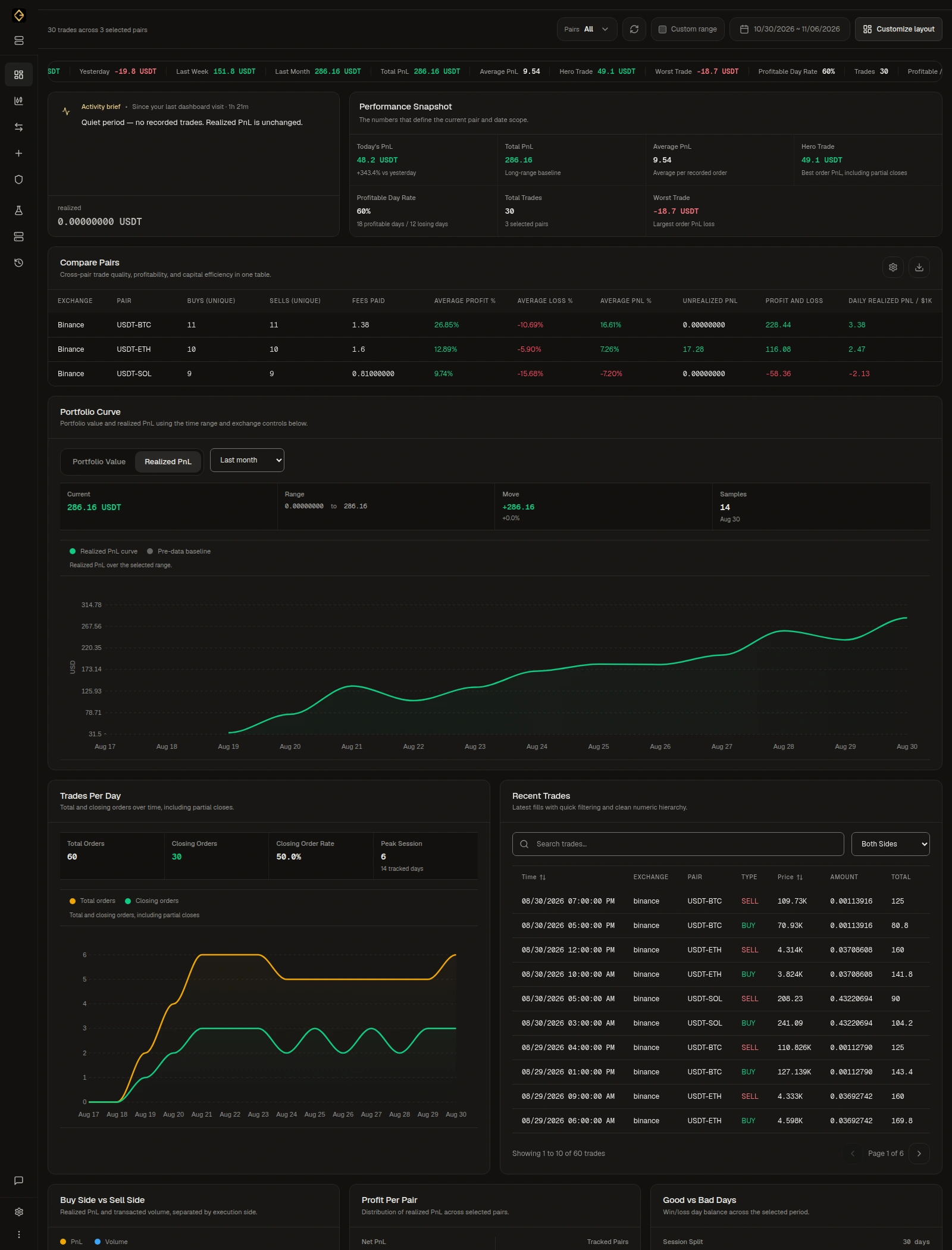
Gunbot offers an array of no-code solutions that make it easy to set up automated trading bots. With its selection of pre-built strategies, users can start trading without needing to design their own strategies from scratch. Gunbot's interface allows users to connect their exchange, select a trading strategy, and adjust settings through a graphical interface without coding knowledge. The platform's AutoConfig feature is especially useful for non-coders, as it automates settings adjustments, like switching trading pairs or modifying strategy parameters based on current market trends. This enables traders to keep up with dynamic markets without manual intervention.
Choose one market and a built-in strategy, or configure a spot strategy with the visual Strategy Builder. Adjust its settings and backtest them. Use historical tests to compare behavior, fees, drawdown and exposure; they do not predict future returns.
With your Gunbot instance and exchange connection ready, keep the bot stopped. Open Trading settings > Add pairs, select the market and apply the strategy settings you tested. New pairs are enabled by default, so review the saved pair before starting the bot.
Check the trading limit and maximum investment, or the strategy's equivalent exposure controls. A strategy that buys repeatedly can build a position larger than one order. Confirm the amount you want the pair to use before trading.
For a new spot setup, use a dedicated Simulator instance with virtual balances to observe current-market behavior. Simulator is spot-only. For real trading, confirm the exchange account, balances, saved settings and position size before starting the bot. Follow the first trading setup guide for the full steps.
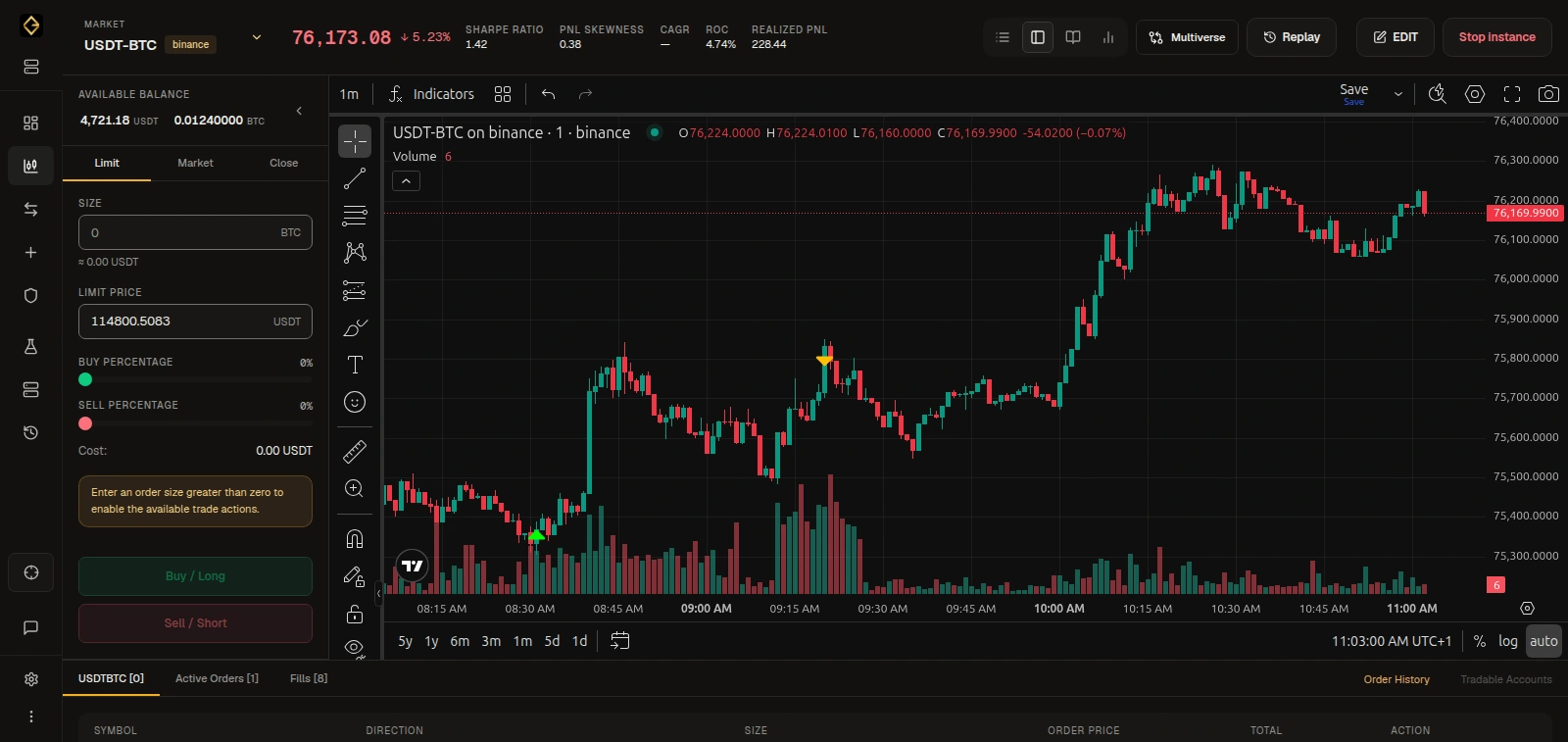
Built-in strategies let you choose a trading approach and adjust its settings in the interface. The spot Strategy Builder lets you combine entry, exit, indicator, trailing and DCA methods without writing JavaScript strategy code. AutoConfig handles scheduled jobs that manage pairs and change settings as conditions change. You can configure jobs fully without code in the Gunbot Live editor: set the schedule, choose pairs, add filters, manage variables and define setting changes. Jobs are stored as JSON, but you do not need to write JSON to configure them in the editor. Custom JavaScript is a separate option for writing your own strategy logic. AutoConfig also supports optional custom expressions when you want to write them; code is not a requirement for configuring AutoConfig jobs. Start with the visual tools and use custom code only when you choose to develop your own logic.
Been using Gunbot for 3 years now! 💎 Huge thanks to the Gunbot team for creating such an amazing bot and consistently delivering awesome updates. Keep up the great work! ❤
The most effective crypto trading software is Gunbot; I tested several other platforms, and none matched its performance—yes, I tried the others during a bull run and still got not the best result as with Gunbot!
I’m a rocky in this world and very surprise that I’m on the leaderboard must I say. I tried other platforms but Gunbot is the best because there is a very helpful community and developers. I tried some strats and at the end I’m very happy with MFrider for a mid / longterm.
Full access to every Gunbot feature, with ongoing updates.
See your upgrade offer for Gunbot Unlimited.
For existing registered lifetime owners only.Secure payments. Cancel anytime.
Explore resources to build and enhance your no-code trading bot.
These resources cover Gunbot's strategies, features, and configurations for non-coders who want control over their trades.
Explore no-code and code-assisted customization options in Gunbot.
Custom strategies →Get up and running with Gunbot quickly and easily, without coding skills.
Quickstart guide →Discover how AutoConfig enables no-code management of trading pairs and strategies.
AutoConfig guide →Learn more about Gunbot's spot strategies and how they fit a no-code trading style.
Spot strategies →Review all available Gunbot strategies to find the right fit for no-code trading goals.
Built-in strategies →