Continuous Operation
Gunbot runs 24/7, monitoring order books and executing trades in real-time. It captures opportunities regardless of market hours.
Gunbot / OKX automation
Automate your trades with confidence
Use Gunbot as a trading bot OKX users can run locally for spot, futures, grid-style methods, and custom JavaScript strategies.
Meet the Gunbot workspace. Build your strategy, manage trading pairs, and follow execution from one interface.
Connect through the exchange API and keep funds in your account.
Choose a built-in strategy or develop custom JavaScript logic.
Keep pairs, strategy settings and trading activity within reach.
From account to automation
Deploying Gunbot on OKX is efficient. Configure your API key (restricted to trading permissions only), and you are ready to automate operations 24/7. Gunbot removes manual execution, allowing you to focus on strategy development while the software handles order management. The intuitive dashboard makes monitoring straightforward, whether at your desk or mobile. From perpetual futures to spot grid strategies, Gunbot keeps your trading efficient and organized.
Explore accounts and pair management →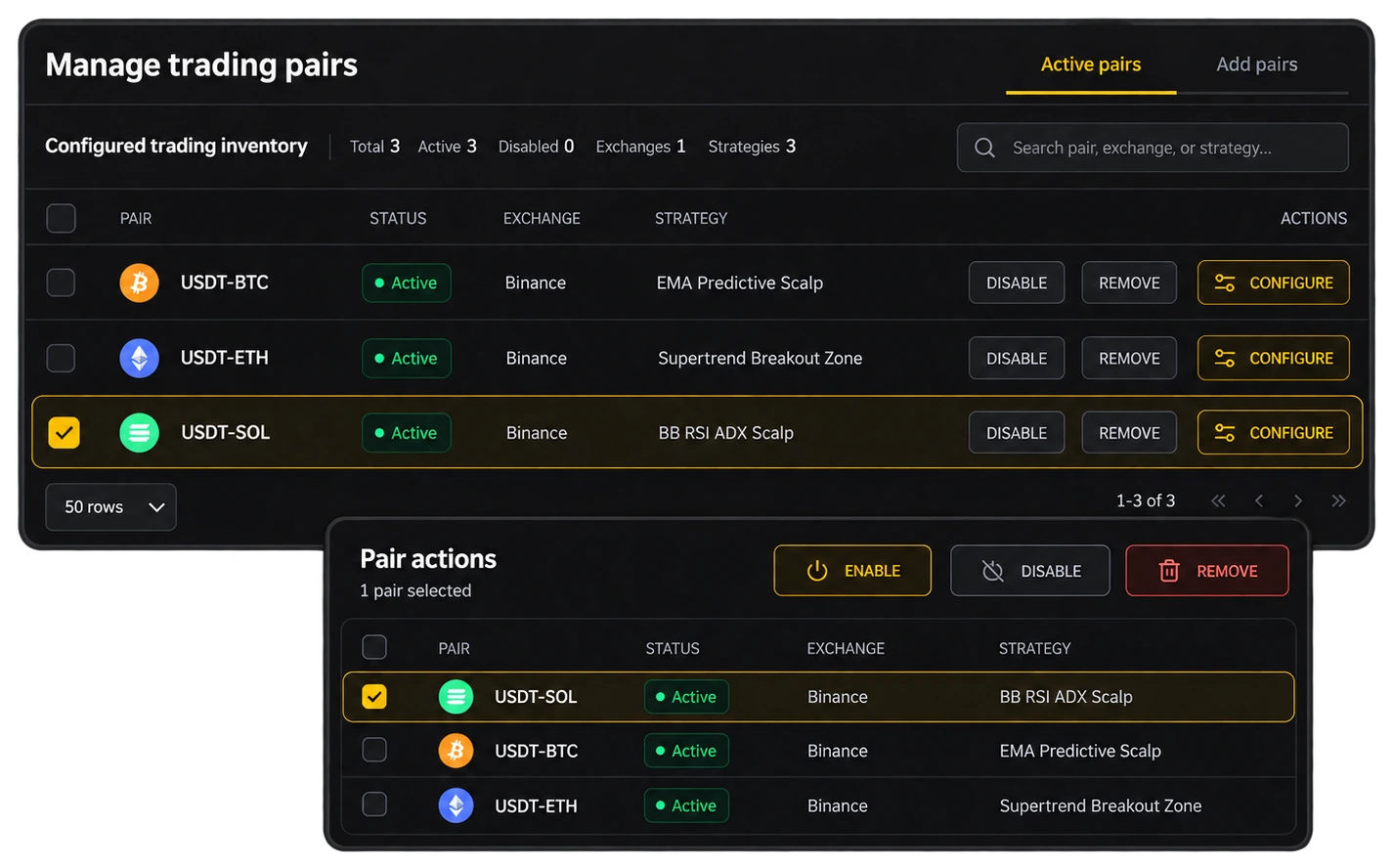
Strategy and execution
Gunbot simplifies algorithmic trading on OKX, supporting all listed crypto and fiat pairs. Use the OKX spot grid trading bot feature set through Gunbot strategies when you want grid-style order spacing with local control over budget, limits, and exits. Deploy pre-configured logic like Grid and DCA bots immediately, or use customizable parameters to refine your edge.
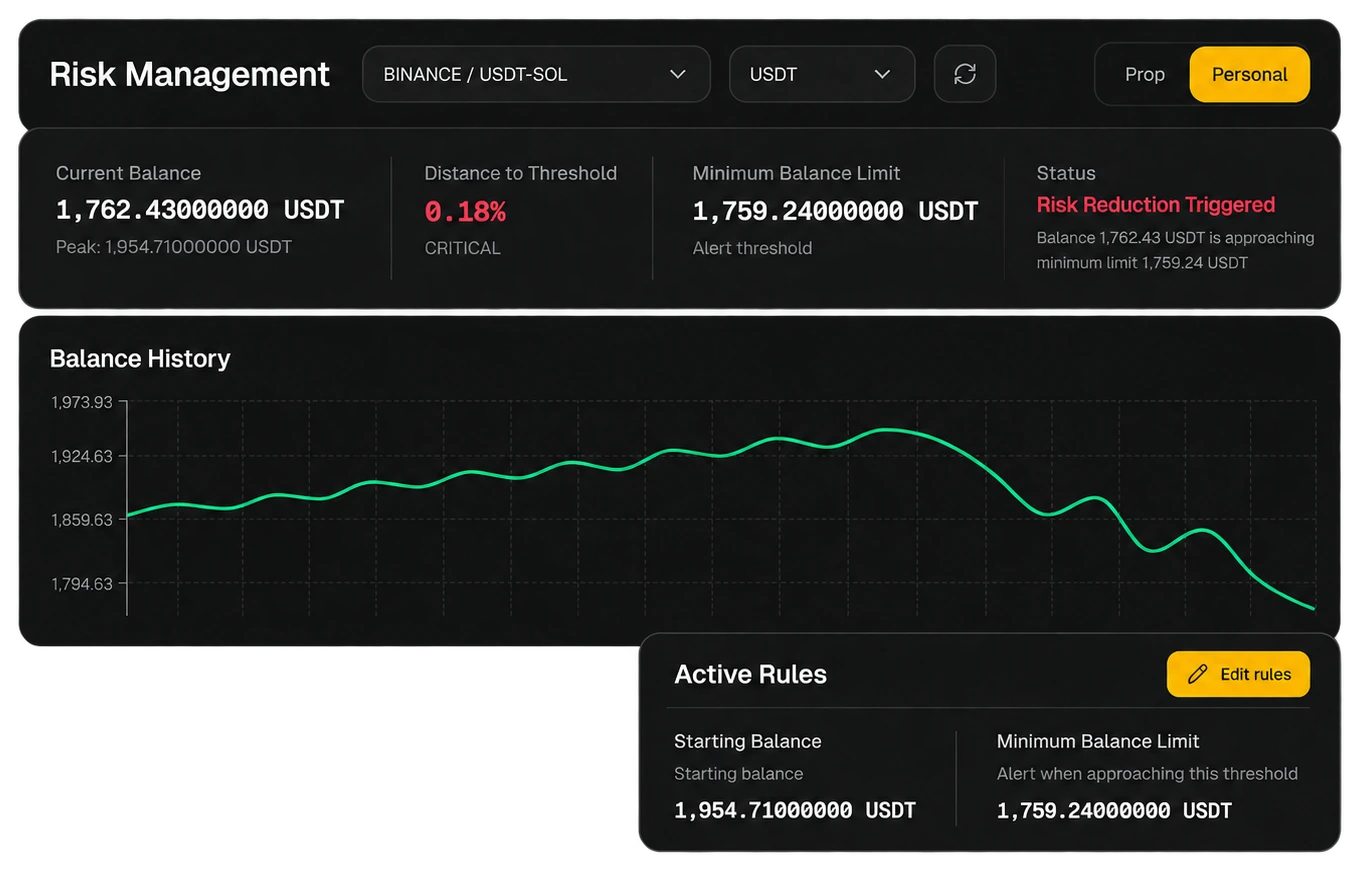
Automation tools
Gunbot runs 24/7, monitoring order books and executing trades in real-time. It captures opportunities regardless of market hours.
Includes a suite of advanced strategies optimized for OKX. From grid trading to momentum systems, select or customize logic that aligns with your goals.
Eliminate emotional bias. Gunbot executes trades strictly based on your defined parameters, ensuring consistency in your strategy.
The interface is designed for clarity, making it simple to monitor positions, tweak parameters, and maintain control from any device.
OKX is a top-tier exchange with deep liquidity for spot, perpetuals, and futures. Explore how Gunbot can help you systematically trade its diverse markets.
OKX offers a vast selection of spot pairs with high liquidity, which is crucial for grid strategies to fill orders efficiently. Gunbot's refined order management connects directly to the OKX API, ensuring your grid remains active and responsive, even during periods of high market activity.
Grid trading strategies are designed to place a series of buy and sell orders within a price range. This approach allows you to systematically capture profits from market volatility without needing to predict price direction, making it effective in sideways or choppy markets.
Get started with OKX
Follow the exchange setup guide and configure the API permissions required for trading. Keep withdrawal access disabled where applicable.
Read the setup guide →Choose the pairs and strategy you want to run. Review order sizes, exposure limits and entry and exit settings before enabling automation.
Explore strategy tools →Monitor orders and trading activity, then adjust settings as conditions change. Automation follows your rules; it does not remove market risk.
See Gunbot in action →Tools to optimize your Gunbot setup on OKX
Whether refining a strategy or exploring new market pairs, these resources help you optimize your automated trading experience on OKX.
Review Gunbot’s backtesting data to assess how specific strategies have historically performed on OKX pairs.
See results →Learn to script custom strategies for OKX using JavaScript, enabling precise control over entry and exit conditions.
Start coding →Explore optimal spot strategies for OKX and identify configurations that suit your specific risk profile.
See strategy choices →View the full list of exchanges compatible with Gunbot, including OKX, and manage your cross-platform portfolio.
See exchange support →Before you connect
Gunbot Unlimited combines the hosted workspace shown in the overview with self-hosted trading cores. API secrets and order execution stay on the cores you run.
Connect an exchange →Review each exchange’s supported markets, minimum order sizes and API requirements. Strategy settings should fit the selected pair and market; backtesting and past results do not guarantee live results.
Check exchange support →Your next step