
If you want to jump straight in, the CopyTrading portal is here: https://copytrading.gunbot.com.
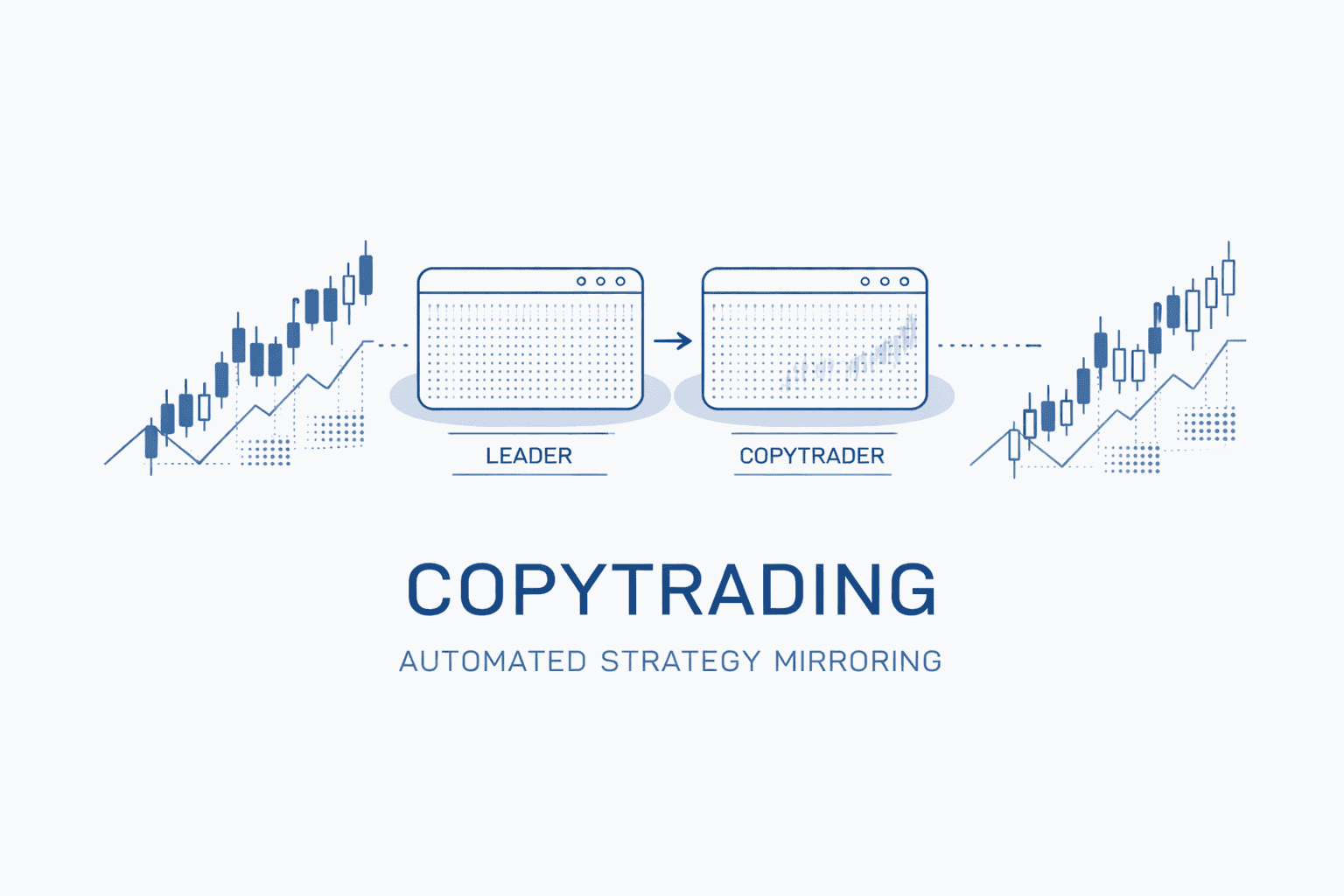
GunbotHub is a marketplace built around one job: connecting strategy leaders and copytraders so trades can be copied automatically through Gunbot.
Leaders publish strategies (with an exchange, a trading pair, and a price). Copytraders purchase one-time access and enable the strategy. From that point on, trade signals from the leader are relayed to the copytrader’s Gunbot, which executes the trades on the copytrader’s exchange account.
A few details make the whole thing click:
- Leaders can generate signals using Gunbot or TradingView.
- Copytraders do not manually edit configs to get started; GunbotHub writes the relevant configuration into Gunbot when a strategy is enabled.
- Exchange API keys remain inside the copytrader’s Gunbot setup. GunbotHub does not take those keys.
You can also be both a leader and a copytrader under the same account, which matches how a lot of active traders actually work.
First-time setup: sign in, verify, complete your profile
GunbotHub starts with a license check for everyone.
- Sign in with Google.
- Enter your GUNTHY wallet address to verify your Gunbot license. This is the Ethereum address where you received GUNTHY tokens when you first purchased Gunbot.
After that, the profile setup depends on what you want to do:
- Copytraders add their Gunbot URL so GunbotHub can push configuration automatically.
- Leaders add payment details so earnings can be paid out.
Copying a strategy: what you do, what gets automated
Add your Gunbot URL
In profile settings, enter the URL for your Gunbot instance.
- You can enter a domain name or an IP-based URL.
- If you enter an IP address, GunbotHub can automatically convert it into a subdomain under
gunbot.market(for example, a URL that starts as an IP can be converted into something likegb-1-abc123.gunbot.market). This is intended to avoid Cloudflare Worker connection issues that can happen when communicating with IP addresses directly.
For the automation to work, your Gunbot needs to have the Config API running.
Marketplace browsing and purchase
In the marketplace you can:
- search by strategy name or leader
- filter by exchange and trading pair
- view strategy details, ratings, and reviews
- see the number of active copytraders
When you purchase a strategy, it is a one-time payment for lifetime access. There are no recurring subscriptions for strategy access.
After purchase, the strategy appears in your Active Copies tab.
Enable in Active Copies
Enabling is a toggle. Once enabled, GunbotHub handles the setup steps that usually take the most time:
- it generates a unique API key if you do not already have one
- it injects that key into your Gunbot for secure communication
- it writes the strategy configuration into your Gunbot
config.jswith the correct exchange and trading pair - it begins relaying the leader’s trade signals to your Gunbot
You can disable any purchased strategy at any time from Active Copies. Disabling stops copying new trades, but you keep lifetime access and can re-enable later.
What you must already have in place
GunbotHub can configure a strategy, but it cannot trade for you without a working Gunbot environment:
- Exchange API keys must be configured in your Gunbot for the exchange the strategy uses. Without valid API credentials, signals can arrive but trades will not execute.
- Gunbot needs to be running to receive and execute signals. If it is offline when a signal is sent, you miss that trade. GunbotHub can show inline error notifications when it cannot reach your Gunbot.
Publishing a strategy: what leaders set up
Leaders create a strategy listing, choose a signal source, then share the strategy through the marketplace.
Create the listing
A strategy listing includes:
- title and description
- exchange (for example Binance or Coinbase)
- trading pair (for example BTC/USDT)
- a price (copytraders pay once for lifetime access)
- optional image and video URLs
After publishing, GunbotHub provides a Strategy Code. That code is what connects your signals to the strategy listing.
Choose your signal source
Option 1: Gunbot signals
If you use Gunbot to generate signals, enable copytrading in your Gunbot config using the strategy code:
{
  "copytrading": {
    "enabled": true,
    "STRATEGY_CODE": "YOUR-STRATEGY-CODE"
  }
}
With this enabled, your Gunbot sends trade signals for that strategy code to the marketplace.
Option 2: TradingView signals
If you use TradingView, configure alerts to send webhook messages to:
https://gunbot.market/api/tradingview/webhook
The alert message is JSON and includes your strategy_code plus trade details. GunbotHub supports a range of order actions, including:
buy, sell, market_buy, market_sell, buy_stop_limit, sell_stop_limit, buy_trailing, sell_trailing, buy_oco, sell_oco, cancel, close, market_close
Example (limit buy):
{
  "strategy_code": "YOUR-STRATEGY-CODE",
  "action": "buy",
  "ticker": "BTCUSDT",
  "exchange": "binance",
  "amount": 0.001,
  "price": 50000
}
TradingView variables can be used in payloads (for example {{close}}, {{ticker}}, and others). If you write Pine Script strategies, TradingView can embed the webhook message inside your script using the alert_message parameter, so the script generates consistent alert payloads.
Earnings and payouts
Leaders earn revenue when copytraders purchase access:
- 90% goes to the leader.
- 10% is a marketplace fee.
Payment details are added in profile settings (PayPal email address, crypto wallet addresses, bank account details, or another preferred method). Marketplace admins process payments based on the information in your profile. Sales, earnings, active copytraders, and payment status can be viewed in the My Sales tab.
How trade copying works (signal relay and execution)
Once a strategy is enabled by a copytrader, the trade flow is:
- A leader executes a trade and sends a signal (via Gunbot or TradingView).
- GunbotHub receives the signal, validates it, and identifies copytraders who have that strategy enabled.
- GunbotHub forwards the signal to each copytrader’s Gunbot using that copytrader’s unique API key.
- The copytrader’s Gunbot executes the trade on the exchange account configured in that Gunbot.
The security model is straightforward: exchange API keys stay inside the copytrader’s Gunbot. GunbotHub relays signals; Gunbot executes.
Comparing strategies: what to look at in the marketplace
GunbotHub gives copytraders a few concrete tools for comparison:
- exchange and trading pair
- performance information and ratings
- written reviews (available after purchase)
- number of active copytraders
One metric called out is DP1K (Daily Profit per 1K). DP1K is defined as the average daily profit in USD per $1000 of trading volume, intended to make strategies easier to compare when they use different capital levels.
A sensible way to use the available information:
- Make sure the strategy trades on an exchange you have configured in Gunbot.
- Check the trading pair matches what you actually want to trade.
- Read reviews and ratings for recurring themes.
- Use DP1K to compare strategies side by side, while remembering it is an indicator, not a guarantee.
On sizing, the docs note that signals include recommended position sizes, but your execution is ultimately constrained by your Gunbot configuration.
Next steps
Browse strategies, check leader stats, and start copying from the marketplace at https://copytrading.gunbot.com.